Pick an App
One-click AI tools that transform your creative workflow.
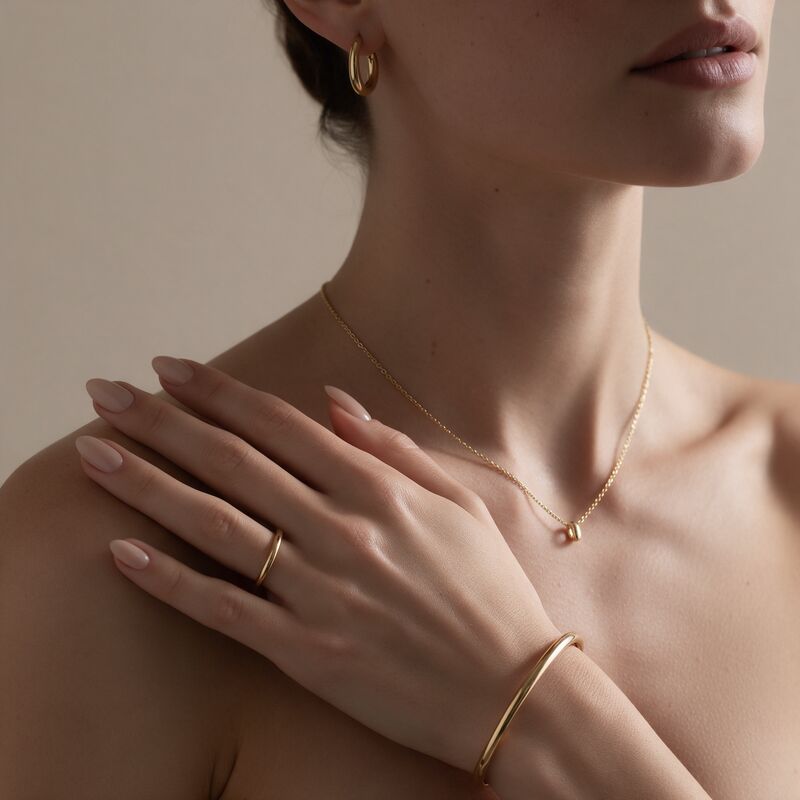
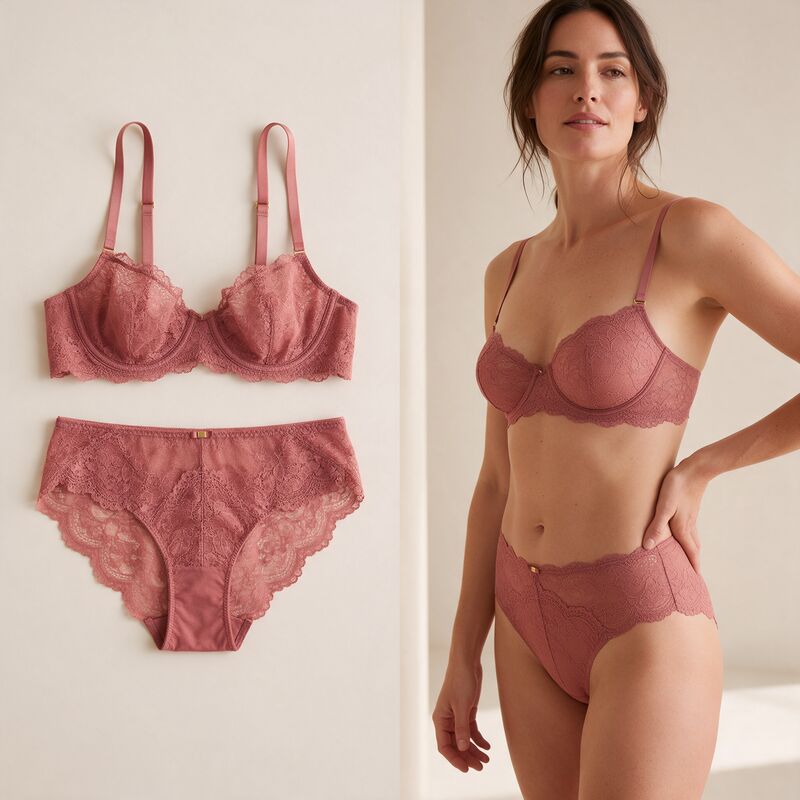
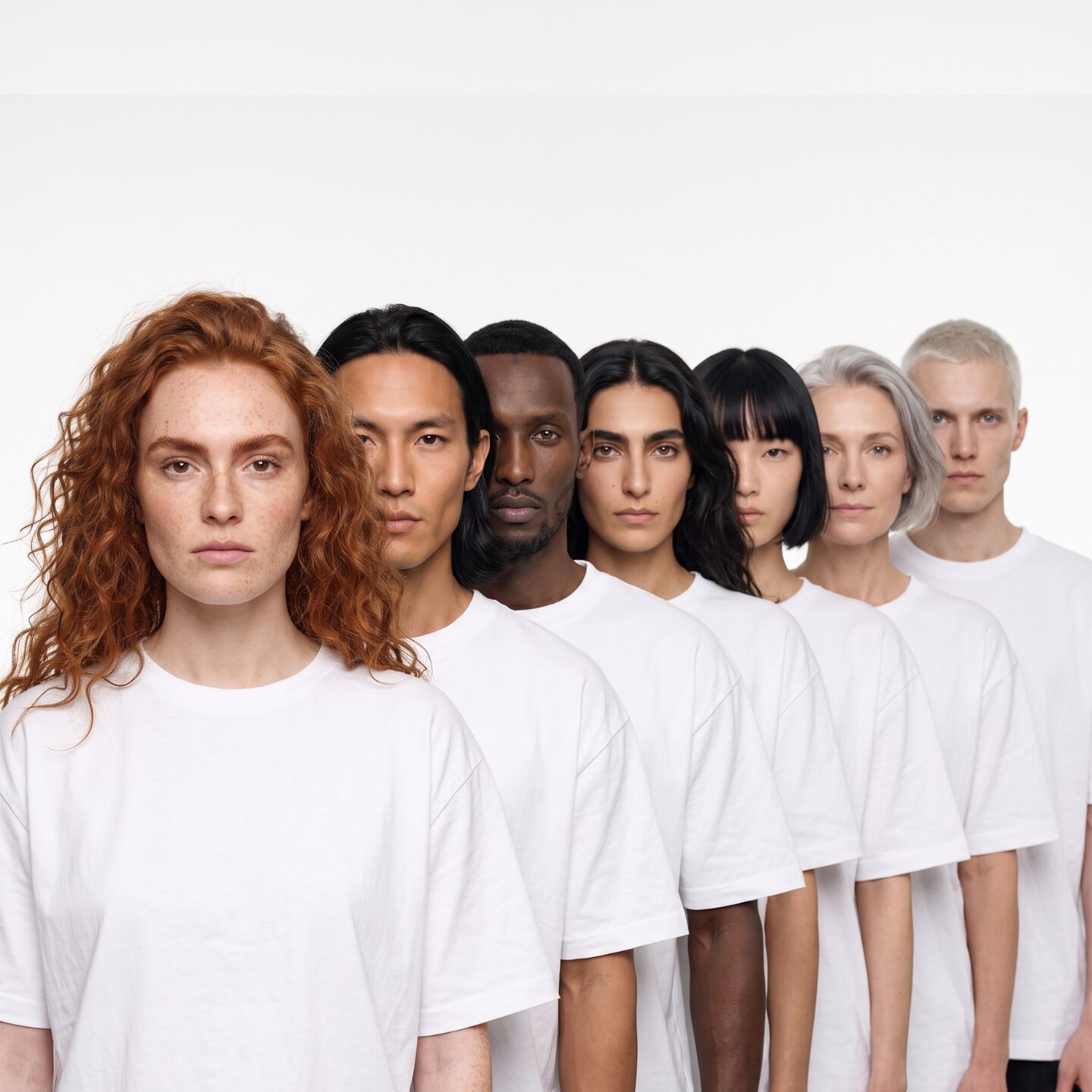
Create a model that's unique to your brand and exists nowhere else. Pick one of Fash Studio's ready-made AI fashion models, or create your own by choosing gender, age, ethnicity, body type and hair. Either way, the model is ready to wear your products in Try-On, Image Generation and Create Videos.
Updated November 6, 2026Your own AI fashion model gives your brand a face that matches your customers, without casting, contracts or a studio day. You decide the age range, ethnicity, body type and hair, create the model once, and then put every product on the same person across your catalog, your ads and your videos.
Six ethnicity options, three age ranges and three body types, so the model looks like the people who buy from you.
Plus-size models keep true proportions. The generator is told not to slim or reshape the body.
Saved models appear in Try-On, Image Generation and Create Videos. No re-uploading.
The same model wears every SKU and color variant, so listing grids look planned.
With a ready-made model there is nothing to set up. To create your own, you pick the traits, the generator creates a studio portrait of that person, and the portrait is saved as a reusable model. Every other studio then uses that portrait as the reference for the face, skin tone, hair and body.
Select gender, age range, ethnicity, body type and hair length. Add extra details in plain words if you want something specific, such as freckles or a short beard.
Press Create model. Nano Banana 2.1 renders a 2K studio portrait in 3:4: a straight-on, eye-level shot in a plain white t-shirt on a white background.
The model lands in My Models. Open Try-On, Image Generation or Create Videos and pick it like any other model.
Five traits come from fixed options, and one free-text field covers everything else. Fixed options keep results predictable; the free text gives you room for the details that make a model yours.
| TRAIT | OPTIONS |
|---|---|
| Gender | Female, Male |
| Age | Young (18-25), Adult (26-40), Mature (40+) |
| Ethnicity | Asian, South Asian, Black, White, Latin, Middle Eastern |
| Body | Slim, Average, Plus-size |
| Hair | Short, Medium (shoulder-length), Long |
| Extra details | Optional free text, for example "red hair and light freckles" |
That is 324 trait combinations before you add any extra details.
Yes. Choose Plus-size under Body and the generator builds a fuller face, soft rounded cheeks and broad shoulders, with an instruction to keep true plus-size proportions and not slim the body. Choose Mature for a model over 40. Both matter for brands whose customers are not 22 and slim, which is most of them.
The body type is saved with the model. When you use a plus-size model in Try-On, the same body description goes into the try-on run, so the garment is fitted to a plus-size figure rather than drawn on a slim one.
The portrait is a reference, not a finished campaign image. A clean, neutral portrait gives the other studios the clearest possible read of the face, skin tone and hair, with nothing to confuse them. The setup is the same for every model:
Clothing, pose and scene come later, in the studio where you use the model.
Every model you create is saved to My Models and shows up wherever Fash Studio asks you to pick a model.
Dress your model in your garments and get on-model product photos.
Place the same model in lifestyle scenes and campaign visuals.
Turn the model into a runway walk, turnaround or outfit check clip.
The model picker in Try-On has its own Create tab with the same options. Make a model there, and it is selected for your try-on run straight away and saved to My Models for later.
Create one model per category or per market, and pick that same model every time you run a product from it. Keep the ratio and background the same too. A shopper scrolling a listing grid then sees one person and one style, not a mix of shoots.
| YOUR CATALOG | A MODEL SETUP THAT WORKS |
|---|---|
| Womenswear, one market | One Adult female model for the whole store |
| Straight and plus ranges | An Average and a Plus-size model with the same age and ethnicity |
| Several countries | One model per market, used on that market's store and ads |
| Unisex basics | A female and a male model shown side by side on each product |
Fash Studio gives you three ways to get a model into a run. They suit different jobs.
| CREATED AI MODEL | LIBRARY MODEL | UPLOADED PHOTO | |
|---|---|---|---|
| Look | You choose the traits | Fixed set of 8 models | A real person you work with |
| Body types | Slim, Average, Plus-size | Set per model | As in the photo |
| Setup | One run | None | A full-body photo and the person's consent |
| Best for | A brand face that matches your customers | Quick tests | Brand ambassadors and in-house models |
Extra details describe the person, not the photo. Outfit, pose, framing and background are already set by the generator, so text about them is ignored or fights the setup.
"Wearing a red dress on a beach" belongs in Try-On or Image Generation, not here.
"Red hair and light freckles", "short beard", "curly hair", "grey streaks".
Do not try to recreate a celebrity or anyone else. Use Upload in Try-On, with consent, for a real person.
Short, visual phrases work best. Long lists dilute each detail.