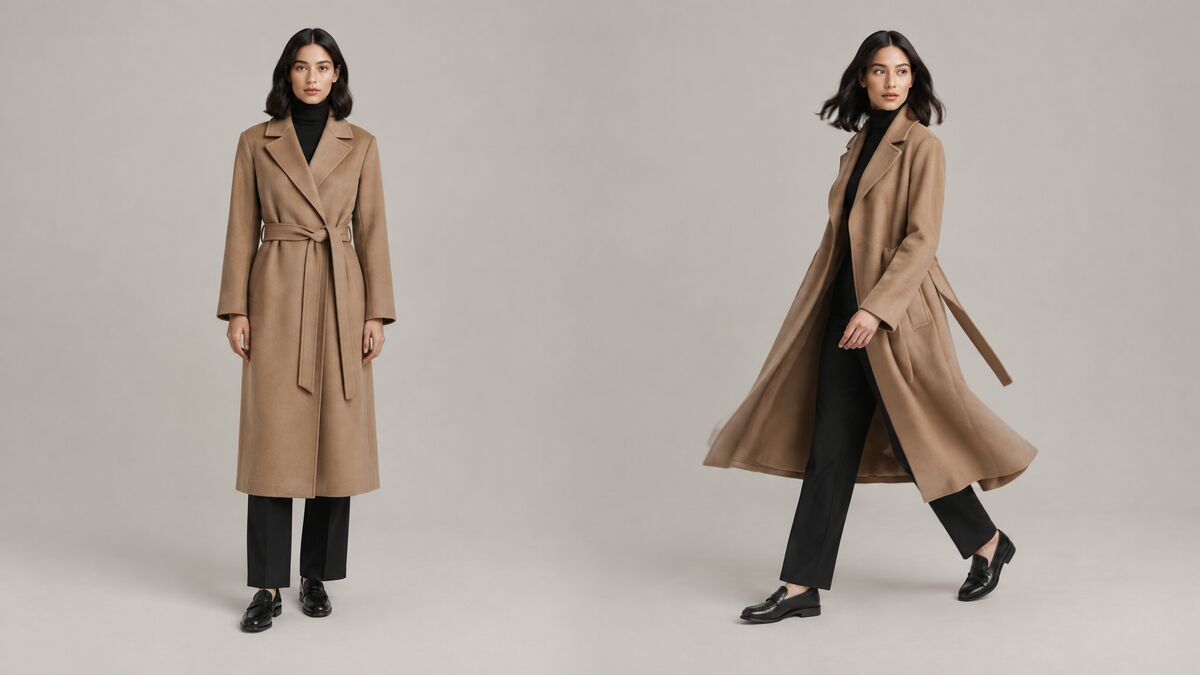
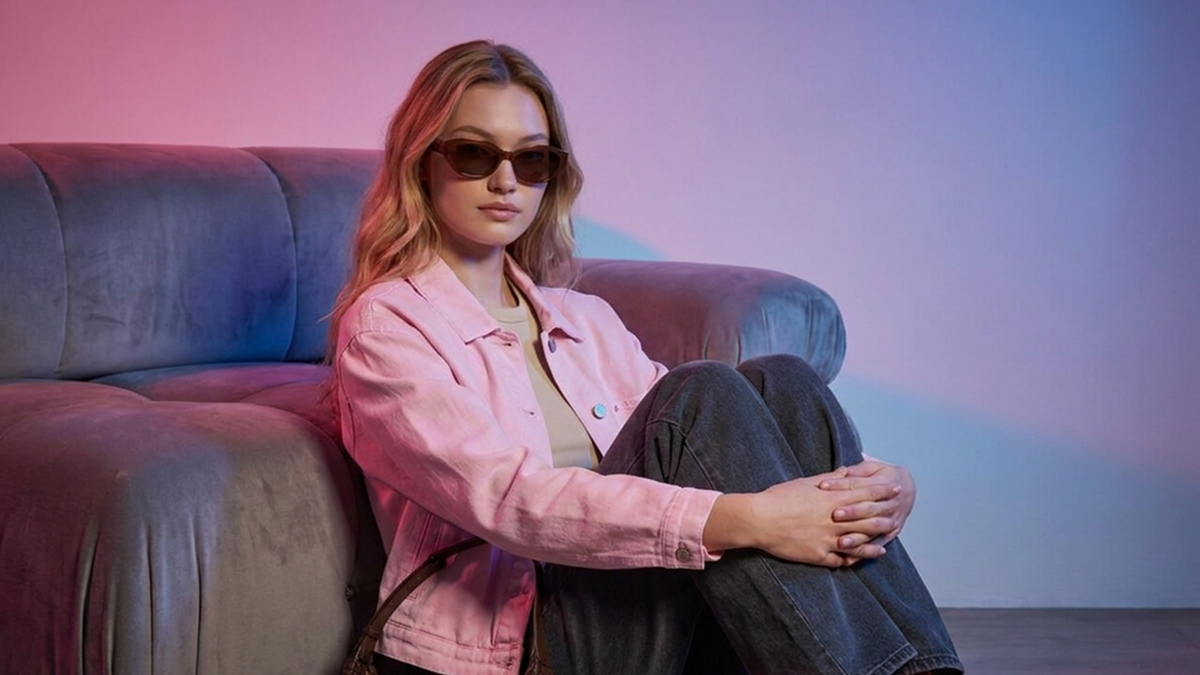
What Is AI Virtual Try-On? How It Works for Fashion E-commerce
11 min readAI virtual try-on turns product photos of clothing into realistic on-model images without a photoshoot. This guide explains how the technology works, where fashion brands use it, what its limits are and how to choose a tool.
What you'll find in this article
- What is AI virtual try-on?
- How does AI virtual try-on work?
- What can you try on with AI?
- Virtual try-on vs a traditional photoshoot: what is the difference?
- Who uses virtual try-on, and for what?
- What are the limits of AI virtual try-on?
- How do you choose a virtual try-on tool?
- Frequently asked questions
AI virtual try-on is technology that takes a photo of a garment and a photo of a person, then generates a new image of that person wearing the garment. Fashion brands use it to turn product photos into on-model images for product pages, marketplaces and ads. Shoppers use a different version to preview clothes on themselves before buying.
Key takeaways
- AI try-on generates a realistic image of a person wearing a garment from just a garment photo and a model photo.
- There are two types: shopper-facing try-on, where customers see clothes on themselves, and brand-side try-on, where brands create on-model product images.
- A good try-on result keeps the model's face, body and pose unchanged and replaces only the clothing.
- Try-on works for tops, bottoms, dresses, outerwear, shoes and accessories, and several items can be combined into one outfit.
- Output quality depends on input quality, so every try-on image should be checked against the real product before it is published.
What is AI virtual try-on?
AI virtual try-on is a type of generative AI that shows a specific garment on a specific person in a photo that looks like it was shot on set. The term, sometimes written as "virtual tryon," is used for two different things that share the same core idea.
Shopper-facing try-on helps customers decide what to buy. It runs on a store's website or app and lets shoppers try clothes on virtually, either through a live camera view or an uploaded selfie. These virtual try-on shopping experiences aim to give customers more confidence about how a style looks on them. Shoppers who use AI to try on clothes this way see a preview, not a finished product photo.
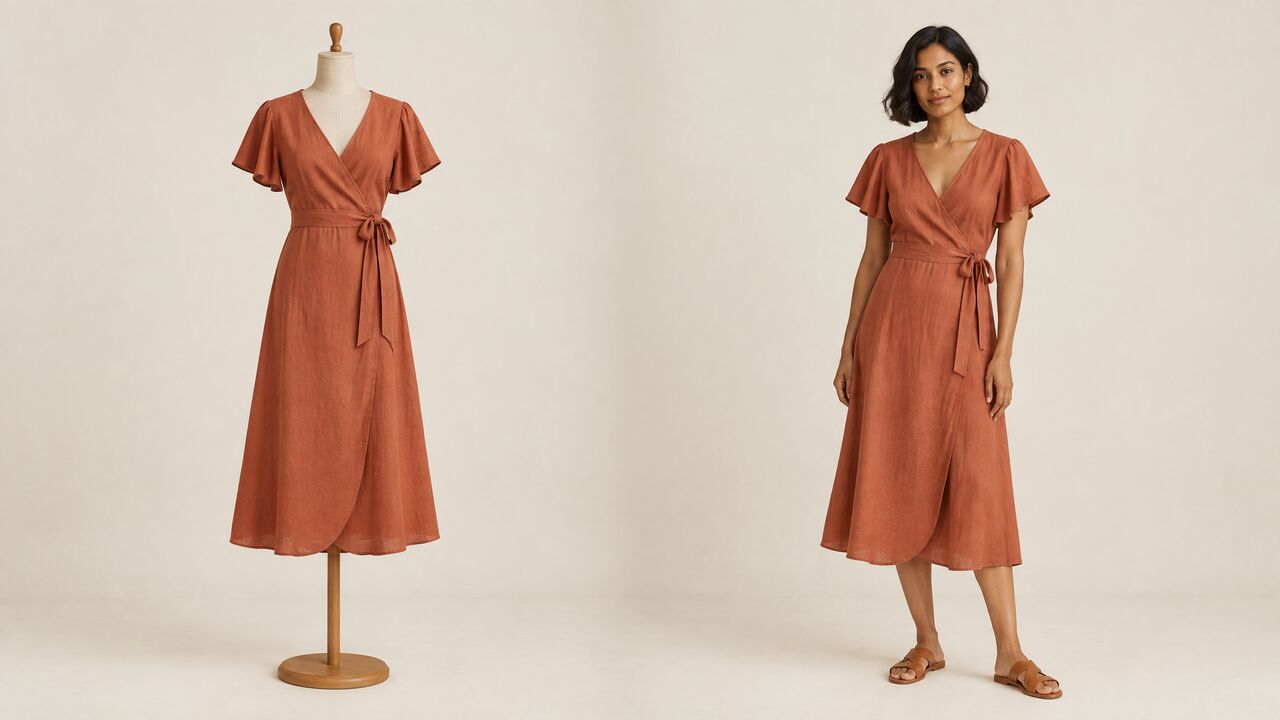
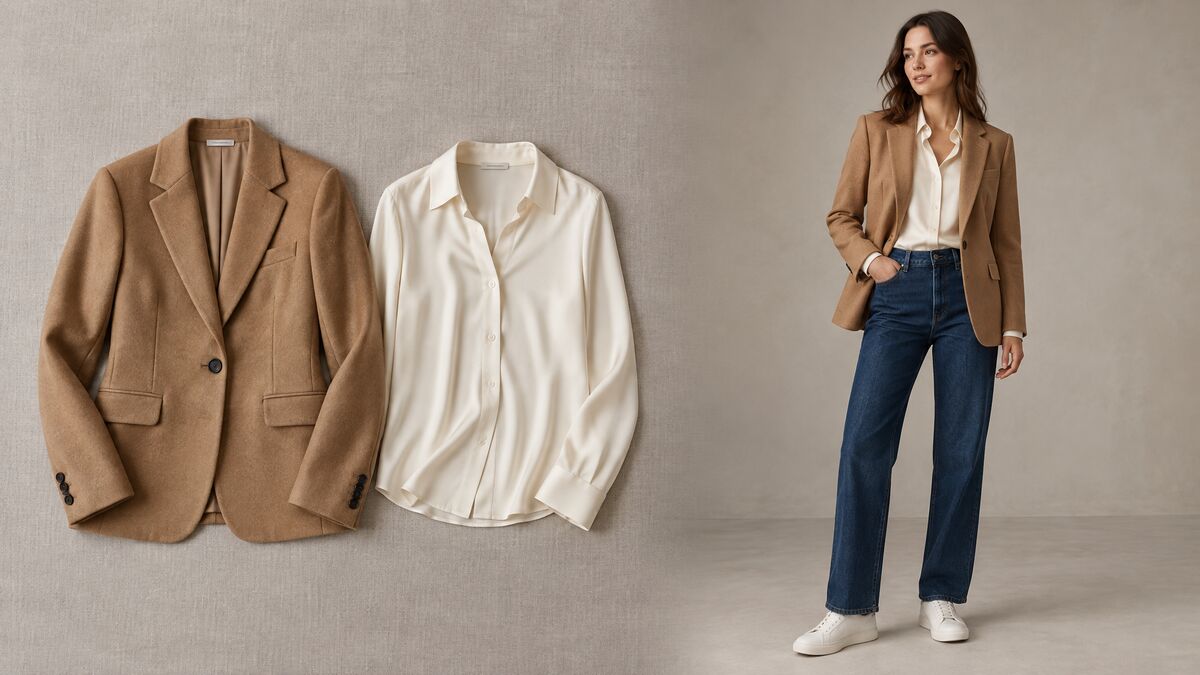
Brand-side try-on helps brands create content. A brand uploads a product photo of a garment and a photo of a model, and the AI produces a finished on-model image. The brand then publishes that image on its product pages, marketplace listings, social channels and ads. For many e-commerce teams, brand-side virtual try-on for clothes is a way to add or replace on-model photography.
So when an e-commerce team asks what virtual try-on is, the practical answer is usually the brand-side version: a way to produce on-model images from photos the brand already has. This guide focuses on brand-side try-on for e-commerce content. Shopper-facing try-on is covered only where the two overlap, such as in the FAQ below.
How does AI virtual try-on work?
AI try-on works by reading the garment and the model separately, then redrawing the garment on the model's body as a new photo. The process looks like this in plain terms:
- The AI reads the garment image. It identifies the garment's shape, color, print, fabric texture and details such as collars, buttons, pockets and hems.
- The AI reads the model image. It maps the person's body, pose, proportions and the lighting of the photo.
- The AI fits and re-renders the garment on the body. It drapes the garment over the pose and adds the folds, shadows and texture that real fabric would show in that position and light.
- The AI outputs a new photo. The result is a single image of the model wearing the garment, ready to review and publish.
In a well-built system, the person in the photo does not change. In Fash Studio, the model's face, hair, skin tone, body shape and pose stay as they were by default, and only the clothing changes unless you also pick a new background. This matters for brands because the same model often needs to look identical across a whole collection.
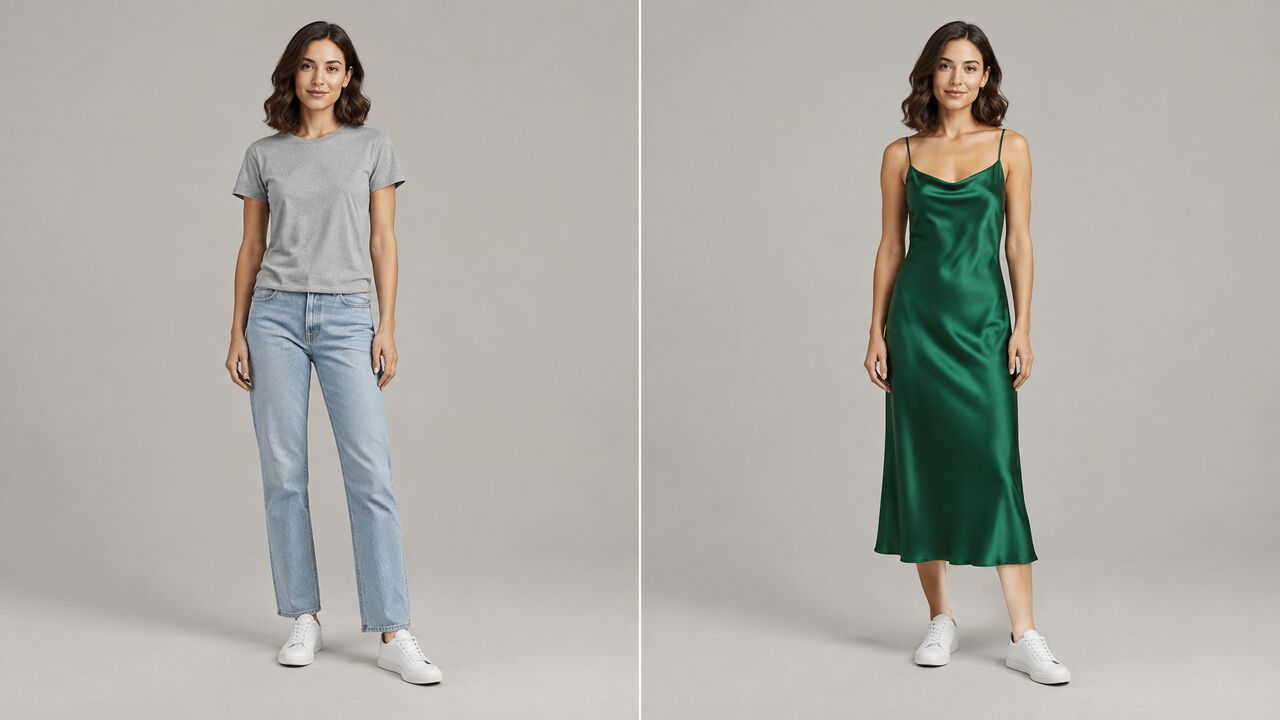
Try-on technology predicts how a garment would look on a body. It does not measure fit or recommend sizes. A try-on image shows style, color and drape, so size guidance on a product page still has to come from real measurements.
What can you try on with AI?
Most garment categories can be tried on with AI, from everyday tops and denim to dresses, outerwear, shoes and accessories. Common supported categories include:
- Tops: shirts, tees, blouses and knitwear.
- Bottoms and denim: trousers, jeans, skirts and shorts.
- Dresses: everything from slip dresses to gowns.
- Outerwear: coats, jackets and blazers.
- Shoes: sneakers, boots, heels and flats.
- Accessories: bags and other items that complete a look.
Try-on is not limited to one item at a time. A virtual outfit try-on combines several garments into a single image, which is how most shoppers see clothes styled in real life. Fash Studio accepts up to 5 garment images per run and can combine them into one outfit, for example a top, trousers, shoes and a bag.
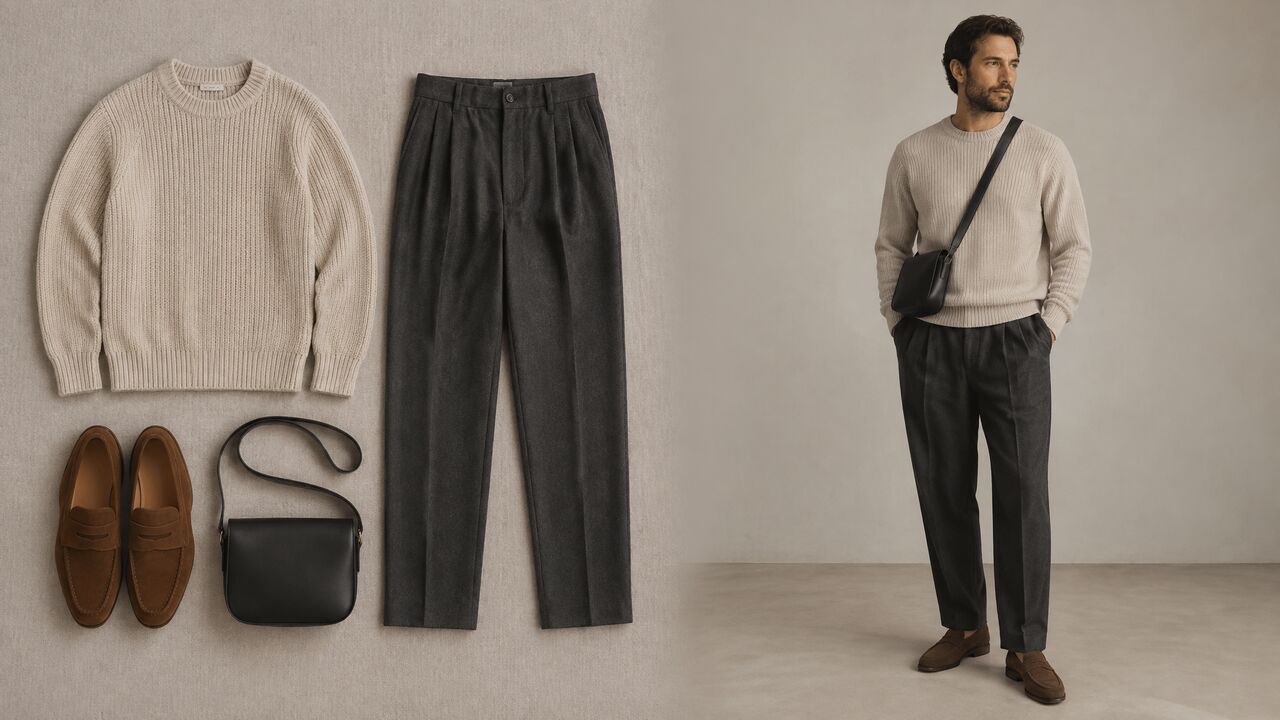
Outfit images are useful for "complete the look" sections, styling suggestions and cross-selling. They show how pieces from the same collection work together. They also save a separate image for every combination a merchandiser wants to show.
Some categories are harder than others. Sheer fabrics, heavily layered looks and very small accessories depend more on input quality than a plain tee does. Garments with intricate prints or fine hardware need sharp, high-resolution source photos to come out accurately.
Virtual try-on vs a traditional photoshoot: what is the difference?
The main difference is that a photoshoot captures a real garment on a real person, while AI try-on generates that image from photos a brand already has. Each approach has different requirements and trade-offs:
| Traditional photoshoot | AI virtual try-on | |
|---|---|---|
| What you need | Physical samples, models, a photographer, a studio or location, styling and post-production | A clear photo of each garment and a full-body model photo, or a built-in model |
| Time to first image | Planning, booking, shooting and retouching must all happen first | The first image is ready after a single generation run |
| Cost drivers | Model fees, crew, studio rental, travel, sample production and retouching | Usage-based pricing for each image generated |
| Changing the model | Requires booking another model and another shoot | Requires a different model photo and a new run |
| Changing the background | Requires a new set or location, or manual editing | Can be selected or changed in the generation settings |
| Reshoots | Require rebooking people and space | Require running the generation again |
| Consistency across a catalog | Depends on lighting, styling and crew staying the same across shoot days | The same model and setting can be reused across every product |
For most brands, the choice is not one or the other. Many teams shoot hero campaign images in person and use try-on to cover the long tail of catalog products, colorways and seasonal updates. For campaign scenes that start from a text prompt instead of a product photo, an AI image generator for fashion covers a different need than try-on does.
Who uses virtual try-on, and for what?
E-commerce brands, marketplace sellers and marketing teams use AI try-on wherever they would otherwise need an on-model photoshoot.
E-commerce product pages and marketplaces
Product pages benefit from on-model images because shoppers see how a garment drapes on a body. Try-on lets a store add consistent on-model photos to products that only had flat or packshot images, including listings on marketplaces.
New collection launches before samples are shot
A new collection often needs images before a full on-model shoot is scheduled. Try-on turns a product photo of the first sample into on-model images for pre-launch pages, wholesale line sheets and teaser posts.
Showing one garment on models of different looks
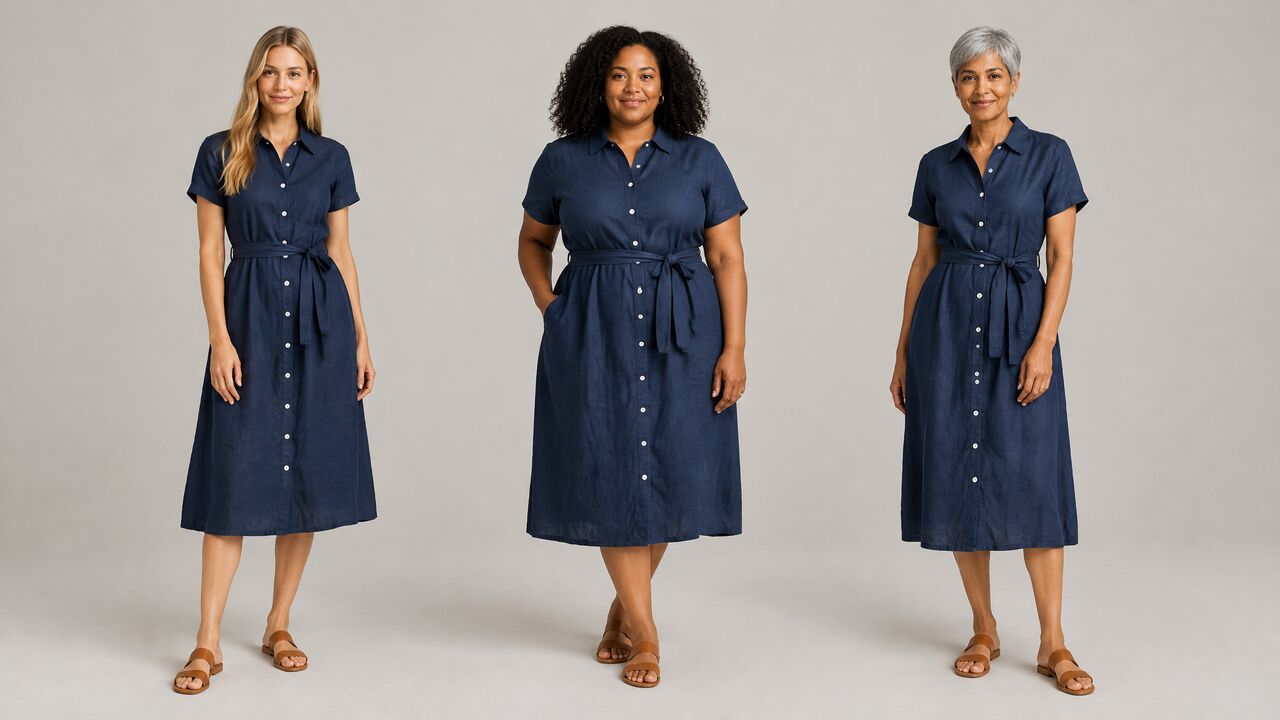
Shoppers relate more to products shown on people who look like them. Fash Studio's built-in AI models cover a spread of looks, body types and ages, and users can also upload their own full-body model photo. To replace the person in an existing on-model image, an AI model swap works from the photo you already have. Use only photos of real people you have the rights and their consent to use.
Social media and ad creatives
Ad platforms reward fresh creatives in vertical, square and landscape formats. Try-on makes it practical to produce several variations of the same product for testing without booking a new shoot.
Lookbooks
Lookbooks need styled, consistent images across a full collection. Outfit try-on lets a brand build complete looks on one model and keep the visual style uniform from page to page.
What are the limits of AI virtual try-on?
AI try-on is only as reliable as the photos it receives, and its results still need a human check before they go live. Knowing the limits up front helps teams get usable images faster:
- Input quality sets the ceiling. A folded or heavily creased garment hides its true shape and length. The AI can only render what it can see, so hidden details may come out wrong or invented.
- Complex prints and fine details need high resolution. Small logos, intricate patterns, embroidery and hardware such as zippers lose accuracy when the source photo is small, blurry or compressed.
- Headshots and group photos are poor model inputs. The AI needs to see the body the garment will sit on. A cropped headshot gives it nothing to fit trousers or shoes to, and a group photo makes it unclear who should wear the garment.
- Fit is visual, not measured. A try-on image shows how a garment could look, not how a specific size fits a specific body.
- Every result needs review. Before publishing, compare each image with the real product for color, print placement, length, neckline and closures.
A misleading product image leads to disappointed customers and returns, so the review step is not optional. Treat try-on output like any other product photo that passes through quality control. Sellers should also check the image rules of each marketplace they list on.
Most of these limits come down to how the source photos are prepared and how prompts and settings are chosen. For practical techniques, see our guide on how to create realistic fashion images with AI.
How do you choose a virtual try-on tool?
The best way to choose a try-on tool is to test it on your own products and score it against a fixed set of criteria. Use this checklist:
- Garment fidelity. Does the output match the real product's color, print, texture and construction details?
- Input types accepted. Can the tool work with the photos you already have, such as flat lays, ghost-mannequin shots or existing on-model photos?
- Model variety and custom models. Does the tool offer models of different looks, body types and ages, and can you upload your own model photo?
- Output resolution. Is the resolution high enough for zoomable product pages and print?
- Aspect ratios. Does it output the formats your channels need, such as square, portrait, vertical and widescreen?
- Commercial use rights. Do the terms clearly allow use on product pages, marketplaces, ads and print?
- Privacy of uploads. Are your unreleased product photos stored privately, and are they kept out of model training?
- Transparent pricing. Can you see what each image will cost before you generate it?
As a reference point, Fash Studio accepts flat lays, ghost-mannequin shots and on-model photos, outputs 1K, 2K or 4K images depending on the AI model, encrypts uploads and shows the exact credit price on the Run button before each run.
Run the same three or four products through each tool you are considering, including one with a difficult print. Comparing the results side by side shows fidelity differences faster than any feature list. For a side-by-side overview of the market, read our comparison of the 10 best AI fashion tools for e-commerce.
The fastest way to understand try-on is to test it on one of your own products. Upload a flat lay or product photo and see it on a model with Fash Studio's AI virtual try-on.
Frequently asked questions
Is virtual try-on accurate enough for product pages?
AI try-on images can be accurate enough for product pages when the garment photo is sharp, well lit and shows the item's full shape. Accuracy should be judged on color, print, texture and length against the real product. Review every image before publishing, and regenerate any image that misrepresents the item.
Does virtual try-on change the model's face or body?
A well-built brand-side try-on tool changes only the clothing. The model's face, hair, skin tone, body shape and pose should stay exactly as they were in the original photo. If a tool alters the person, the model will look inconsistent across a catalog.
What photos do I need for AI virtual try-on?
You need a clear photo of each garment and a full-body photo of the model. Garment photos work best when the item is shown flat or on a form, without creases hiding its shape. The model photo should show one person from head to toe in good light. Use only model photos you have the rights to and the person's consent to use.
Can I use AI try-on images commercially?
Commercial use depends on the tool's terms and on your rights to the input photos. Fash Studio states that every generated image can be used on product pages, marketplaces, social media, paid ads, lookbooks and print. You still need the rights to your garment photos and consent from any real person shown in a model photo.
Can virtual try-on show several garments as one outfit?
Yes, many try-on tools can combine several garments into one outfit image, such as a top, trousers, shoes and a bag. Results are best when each item has its own clear photo. Check that layered pieces sit in a believable order, such as a jacket over a shirt.
Is virtual try-on the same as an AR fitting room?
No. An AR fitting room is a shopper-facing tool that overlays clothes on a live camera view or a selfie so a customer can preview a look. Brand-side AI try-on generates finished, photo-realistic images that a brand publishes in its store and ads. Both show clothes on a person, but they serve different users and goals.
Create your first realistic fashion image in minutes.
Join thousands of brands turning product photos into model imagery, videos, and campaigns.
Get started →