Pick the Format That Sells
Try-on, unboxing, or review — each tells your product's story differently. Choose the one that fits your campaign.
Model
Product
Hook
(Optional)
(Optional)
Location
(Optional)
(Optional)
9:16
Aspect Ratio
10s
Duration


AI UGC Try-On Video Generator for Fashion Ads
Two photos in, a creator-style try-on ad out. A model, a product, and the AI writes the script, casts the voice, directs the shots and renders the footage. This is UGC AI video built for one job: showing your garment worn by someone who looks like they filmed it themselves. No creators to source, no shoots to book, nothing to edit afterwards.
Why Do Brands Run UGC-Style Ads?
User-generated content outperforms polished commercials in social feeds because a viewer hears one person's opinion in it. UGC AI video ads keep that quality and remove the sourcing, which changes both what the format costs and how fast you can iterate on it.
Authenticity converts
A creator-style clip reads as a recommendation from a real person. Viewers watch longer, trust it more, and click through more often than they do on a glossy spot.
No creator sourcing
Finding creators, shipping product, briefing and waiting on delivery takes weeks per campaign. Here the whole loop is two photos and a few credits.
Fresh hooks on demand
Ad platforms punish creative fatigue. Re-run the same product with a different hook, location or duration and test openers without re-briefing anyone.
Social-ready by default
Videos generate in vertical 9:16 with natural, lip-synced speech, sized and paced for Reels, TikTok and Stories with nothing to reformat.
What Makes AI UGC Try-On Different From Other UGC Tools?
Most AI UGC video generators put a synthetic presenter next to a product and have them talk about it. This one puts the product on the person, which is what separates an AI UGC video generator for fashion brands from a general-purpose one. The payoff of every clip is the try-on moment itself, where your garment is visibly worn by the creator on camera, and that is the thing a fashion shopper actually wants to see.
That is the whole reason the tool takes two images rather than one. The model photo decides who the creator is, the product photo decides what they end up wearing, and the AI is instructed to treat the worn moment as the point of the ad rather than a background detail.
The product is protected
Shape, colors and logos are preserved from your photo, and the AI is barred from inventing facts about it. No made-up materials, measurements or performance claims.
The try-on is the payoff
The creator shows the product, then a cut, then they are wearing it as their own outfit. That sequence is fixed, so the garment never just sits on a table.
Nothing is written on screen
No captions, watermarks or rendered words at any point. The ad communicates through the image and the voice, so you keep control of subtitles in your own editor.
If you are comparing tools to find the best UGC AI generator for apparel, the question worth asking is whether the product ends up worn on camera or simply held next to a face. For clothing, the second one is a product demo with extra steps.
How Do UGC Try-On Videos Work?
Every video starts from two images and ends as a finished, voiced ad. The AI handles the script, the shots and the delivery in between.
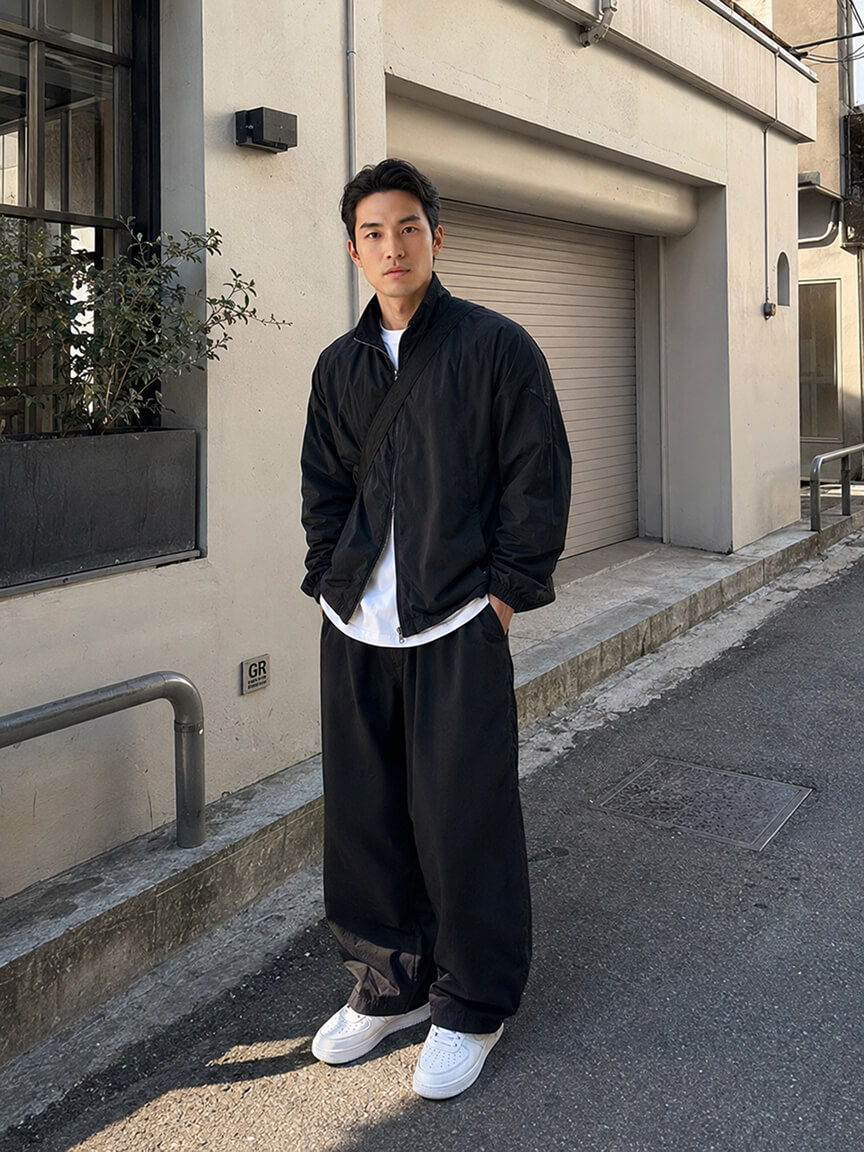
Step 01
Pick a model and a product
Choose one of the eight built-in AI models or use a photo of your own, then add a clear photo of the product. The AI keeps the product's shape, color, and logos faithful in the finished video.
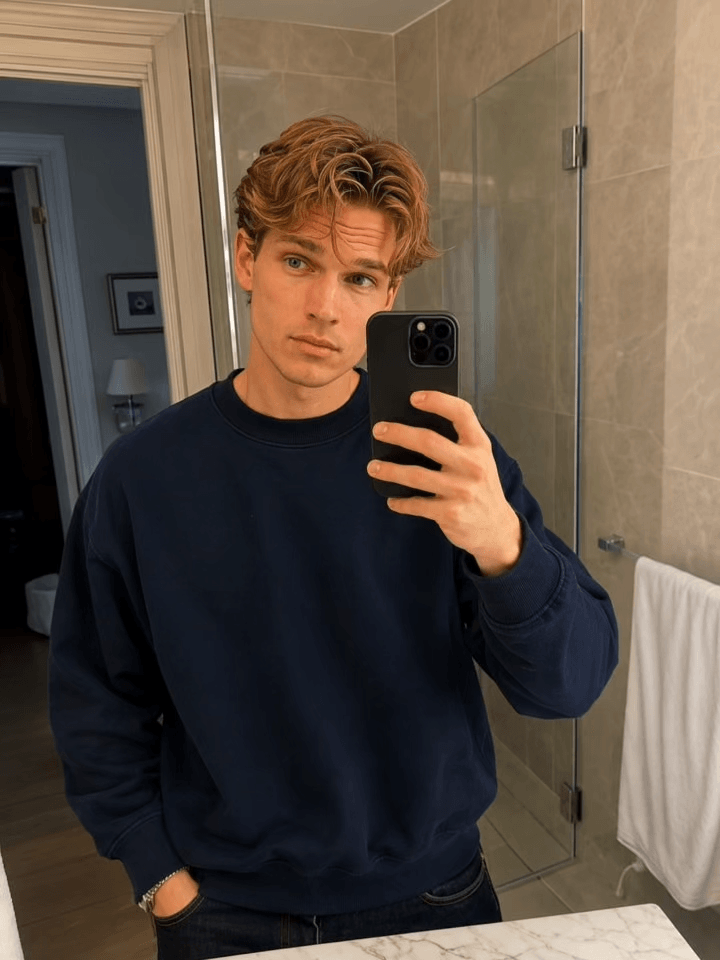
Step 02
Choose a hook, location, and settings
Open with one of six attention-grabbing hooks, place the scene in one of eleven locations, set the aspect ratio and duration, and optionally add a note about what you want.
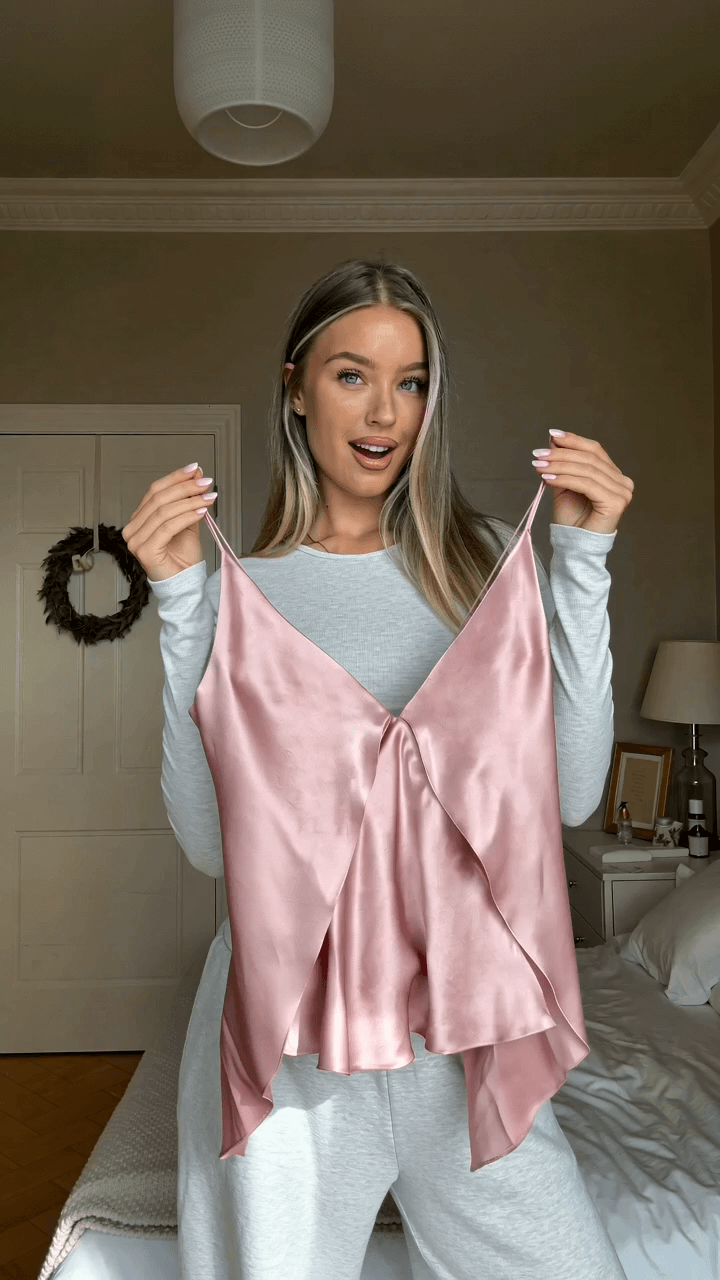
Step 03
Run and let the AI direct
Press Run, with the exact credit cost shown on the button, and the AI writes the script, directs the shots, and generates the video with lip-synced speech. The finished clip lands in your History.
How Do You Make a UGC-Style Try-On Video Without a Real Creator?
You supply a face instead of hiring one. Pick one of the eight built-in AI models or upload a photo of your own, add a photo of the product, and the AI generates a person who appears to be filming themselves trying it on. Nothing is cast, shipped or scheduled.
The creator in the finished clip is not a real person and never was. That removes the parts of influencer marketing that cost the most time: sourcing, negotiating rates, shipping samples, waiting on a first cut, then asking for revisions that arrive a week later. An AI generated UGC try-on video is finished before a sourcing email would have been answered.
What you give up is a genuine personal endorsement, so this is a creative format rather than a replacement for a real partnership with a real audience. What you get back is the look and pacing of creator content at the volume paid social actually needs.
What Is a Hook and Why Does It Decide Everything?
The hook is the attention-grabbing opening moment of a UGC video. The first seconds decide whether a viewer keeps watching or scrolls past, so a good hook opens a small mystery: something surprising happens, and the viewer stays to see it resolve. The product is always the hero of the payoff, never the butt of the joke.
Blizzard
Snow storm effect sweeping the scene
Flip Fail
A botched flip that cuts straight into the review
Dramatic Arrival
Product storms into the scene, landing intact
Product Catch
Product impact moment with dynamic energy
Product Drop
Product drops into frame
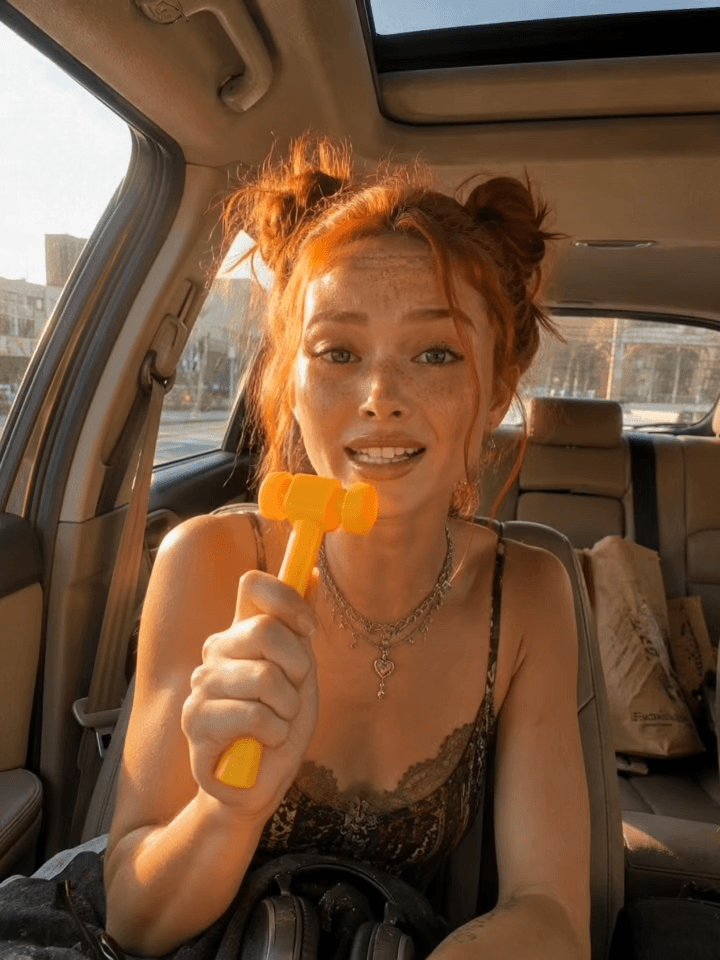
Strange Mic
Unusual microphone appears as a hook
Skipping the hook is fine too. The video simply opens on the creator holding the product up to camera before moving into the try-on.
Can I Test the Same Ad With Different Hooks?
Yes, and it is the cheapest kind of test you can run. Keep the same model photo, the same product photo and the same location, change only the hook, and run it again. Everything else in the frame stays comparable, so any difference in performance points at the opener rather than at the creative around it.
Six hooks are built in, which gives you six openers for one product without briefing anyone. Duration works the same way: the same setup at 6 seconds and at 12 seconds gives you a short cut and a long cut to test against each other.
The practical routine is to generate three or four hook variants, push them all live at a small budget, then put the winner behind the real spend. Because each variant costs credits rather than a creator fee, testing openers stops being a thing you save for the big campaigns.
Where Can the Video Be Set?
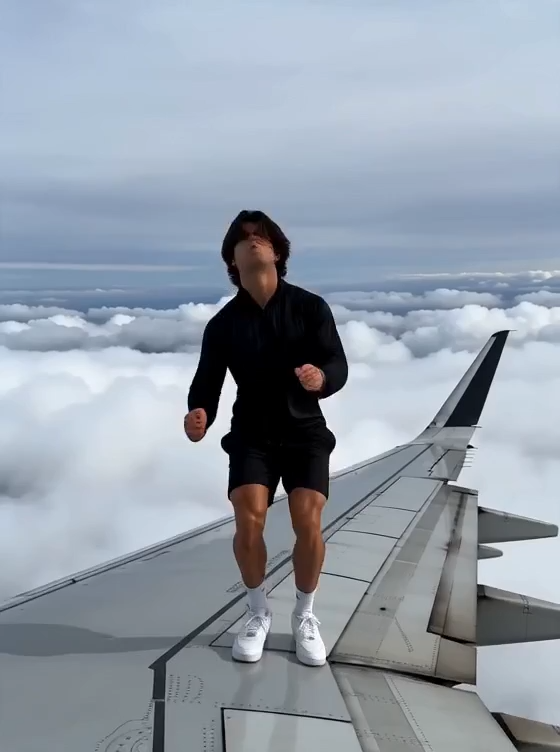
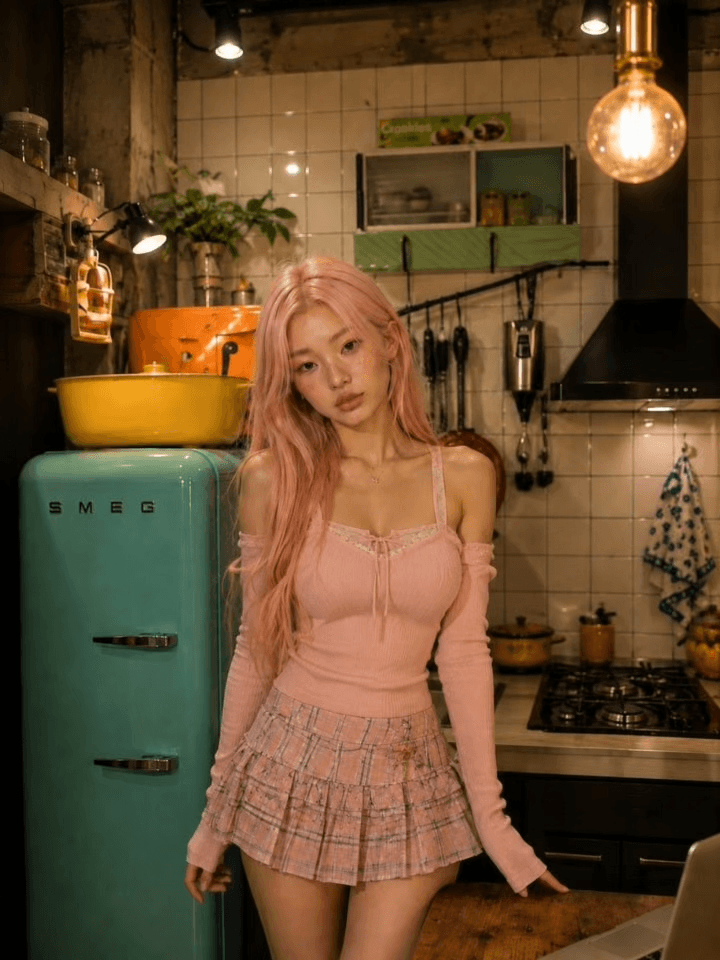
Every video is set somewhere believable, with matching light and atmosphere. Choose from eleven built-in locations: Airplane Wing, Bathroom, Bedroom, Car Roof, Gym, In Car, Kitchen, Office, Outdoor, Rooftop, Street. Bedroom is the default, a cozy, low-effort setting that fits most products, while options like Rooftop, Car Roof and Airplane Wing push the clip toward the surreal, scroll-stopping end of the scale.
Preview videos for every location are shown in the picker, so you can see the exact mood before you commit.
Who Writes the Script?
The AI does. You never write a script for a UGC try-on video, because the studio acts as the creative director and generates the words from your two images and your chosen hook and location.
A natural voice
The creator speaks straight to camera with lip-synced audio, casual and composed, at the volume someone uses telling a friend about something they just bought.
A real-phone look
Natural light, a little handheld movement, honest texture. Believable creator footage rather than a glossy commercial, because that is what performs in feeds.
No invented claims
The AI is barred from making up materials, measurements or performance claims. It sticks to plain impressions of what is visibly there, so the ad stays honest.
Banned ad clichés
"Trust me", "obsessed", "game-changer" and "run don't walk" are blocked outright, along with hard calls to buy. The clip ends on a verdict, not a sales push.
Want to steer it? The optional prompt field takes notes about product details, tone or a moment you want, and your notes outrank the defaults.
Can UGC Try-On Videos Be Used in Different Languages and Markets?
Yes, with one thing to know: there is no language dropdown. The spoken language comes from the prompt field, so writing your notes in the language you want the creator to speak is what changes it. Seedance 2.0 elsewhere in the platform handles multilingual lip-sync, and UGC Try-On generates its speech lip-synced to the person on camera in the same way.
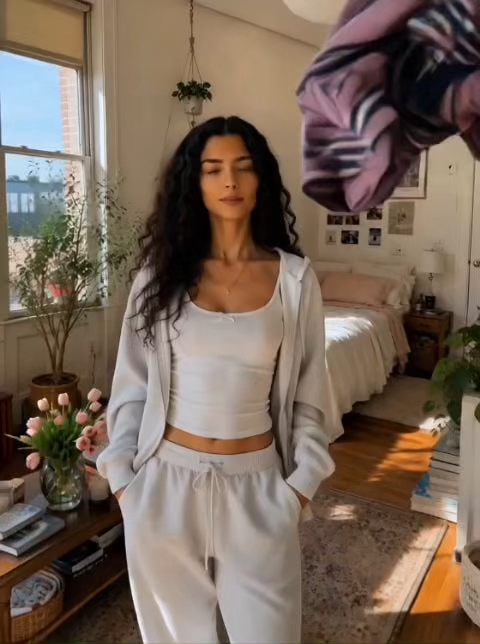
Market fit is more than language, though. The model photo decides who the audience sees, so running the same product with a different built-in model gives each market a creator who looks like its customers. The location picker moves the setting, so the same jacket can be shown in a bedroom for one market and on a city rooftop for another.
Keep the product photo identical across the set and only change the person, the language and the location. The ads then read as one campaign with local casting, which is what a market-by-market rollout is supposed to look like.
Where Do UGC Try-On Ads Perform Best?
UGC-style AI video ads for ecommerce are built for paid social first. The vertical default, the handheld look and the spoken delivery are all aimed at feeds where the viewer decides in under two seconds whether to keep watching.
| Placement | What to generate | Ratio | Length |
|---|---|---|---|
| Meta and TikTok ads | A strong hook, the try-on payoff, one closing line | 9:16 | 6 to 10s |
| Reels and Stories organic | A calmer opener, more time on the garment | 9:16 | 11 to 15s |
| Hook A/B tests | Same model, product and location, hook varied | 9:16 | 3 to 5s |
| Feed posts | Square framing that survives a grid crop | 1:1 | 6 to 10s |
| Product page and YouTube | Wide framing, fuller story, two or three lines | 16:9 | 11 to 15s |
Treat these as an alternative to an influencer content batch rather than a replacement for the influencer. Use generated clips to find the hook and the angle that work, then put budget behind a real partnership once you know what converts.
Which Aspect Ratio Should You Choose?
The aspect ratio sets the shape of your video. Pick it for the platform it will live on, because cropping a finished video cuts into the action you paid for.
9:16
Reels, TikTok, Stories, and vertical ads, the default
16:9
Product pages, YouTube, and website heroes
1:1
Feed posts and marketplace tiles
How Long Should the Video Be?
Durations run from 3 to 15 seconds, with 10 seconds as the default. Duration is also the only setting that changes the credit cost, so match the length to the job instead of defaulting to the maximum.
One beat
3–5s
A single punch: the hook lands and the product pays it off. The cheapest way to iterate.
The sweet spot
6–10s
Room for a hook, the product moment and a closing line. The standard length for feed ads.
Storytelling
11–15s
Two or three spoken lines and an extra shot or two, for clips that carry a fuller story.
Longer videos use more credits, and the exact price is always shown on the Run button before you generate. Every video renders at 1080p.
What Can You Do With Your Results?
The Marketing Studio sits at the end of the pipeline. The other studios prepare its inputs and extend its outputs.
- AI Try-On dresses a model in your garments first, so the photo you feed in already shows the outfit you want worn.
- Character Swap replaces the person in a photo you already have, which is another way to change the creator between markets.
- Advanced Marketing Video takes full control with your own images, brief and word-for-word script.
- Image Generation Studio generates the model or product shot to feed in here.
- Video Studio covers general-purpose AI video across the Kling, Seedance, VEO and other model families.
Frequently Asked Questions
Do I need to hire a creator or run a shoot for a UGC-style try-on video?
No. You supply two photos and the AI supplies everything else. Pick one of the eight built-in AI models or upload a model photo of your own, add a photo of the product, and the studio generates a person who appears to be filming themselves trying it on, in a natural phone-shot style. Nothing is cast, nothing is shipped, and no shoot is scheduled. The creator in the finished clip is AI-generated and is not a real person.
Can I generate multiple hooks for the same product and A/B test them?
Yes, and it is the cheapest test you can run. Keep the same model photo, product photo and location, change only the hook, and run it again. Everything else in the frame stays comparable, so a difference in performance points at the opener rather than at the creative around it. Six hooks are built in, which gives you six openers for one product without briefing anyone, and duration works the same way if you want a short cut and a long cut to test against each other.
Does the AI creator stay the same across a whole campaign?
The face does, as long as you reuse the same model photo or the same built-in model on every run, and the product stays faithful to your product photo throughout. The voice is not locked in the same way. It is generated per run to match the apparent age and gender of the person in your model photo, so it stays consistent in character across clips without being a byte-identical voice. If a campaign needs one exact voice on every ad, generate the clips and add that voiceover yourself in an editor.
Which AI models does Fash Studio use to generate these videos?
UGC Try-On runs on Kling o3 Pro Reference, chosen for this format because it holds physical realism and motion control across a multi-shot clip at 1080p. It is fixed for this tool rather than user-selectable, so there is no model picker here and nothing to configure. If you want to choose the engine yourself, the Video Studio exposes twenty-five models, including Google's Gemini Omni Flash Reference, Seedance 2.0 and Minimax Hailuo 2.3 Pro, and lets you pick one per run.
Can AI make UGC ads?
Yes. Fash Studio turns a model photo and a product photo into a short UGC-style try-on video: the AI writes the script, generates the footage with lip-synced speech, and delivers a social-ready clip, with no creator sourcing, filming or editing involved.
What is a hook in a UGC video?
The hook is the attention-grabbing opening moment, the first seconds that decide whether a viewer keeps watching or scrolls past. Pick one of six ready-made hooks, Blizzard, Flip Fail, Dramatic Arrival, Product Catch, Product Drop or Strange Mic, and the AI opens the video with it, then bridges naturally into the try-on.
What do I need to create a UGC try-on video?
Two images: a model and a product. Pick one of the eight built-in AI models or use your own model photo, add a photo of your product, and optionally choose a hook, a location and a short note about what you want.
How many credits does a UGC try-on video cost?
The cost depends on the duration you pick, anywhere from 3 to 15 seconds, with longer videos using more credits. The Run button shows the exact price before you generate. Duration is the only setting that changes the price, and every video renders at 1080p.
Does the video have a voice?
Yes. Every UGC try-on video is generated with native, lip-synced audio. The creator speaks straight to camera in a natural, casual voice, like a real person recommending something to a friend rather than reading an ad. Ad clichés such as "trust me", "obsessed" and "game-changer" are blocked outright, and so are hard calls to buy.
Can I control what the creator says?
The optional prompt field steers the video. Mention product details, the tone, or the moment you want, and your notes outrank the defaults. The AI is also barred from inventing verifiable facts about your product, so it will not make up materials, measurements or performance claims. If you need the exact dialogue word for word, use the Advanced Marketing Video tool, which has a dedicated script field.
Can UGC try-on videos be used in different languages and markets?
Yes, though there is no language dropdown. The spoken language comes from the prompt field, so writing your notes in the language you want the creator to speak is what changes it. Market fit goes further than language: running the same product with a different built-in model gives each market a creator who looks like its customers, and the location picker moves the setting to match.
Which locations can the video be set in?
Eleven built-in locations: Bedroom (the default), Bathroom, Kitchen, Office, Gym, Street, Rooftop, Outdoor, In Car, Car Roof and Airplane Wing. Each one places the creator in a believable scene with matching light and atmosphere, and the picker shows a preview video for every option.
What aspect ratios and lengths are available?
9:16 vertical (the default) for Reels, TikTok and Stories, plus 16:9 and 1:1. Durations run from 3 to 15 seconds, with 10 seconds as the default, which is enough time for a hook, the try-on and a closing line.
Will the video have captions or text on screen?
No. The AI never renders on-screen text, captions, subtitles, watermarks or logos at any point, even if you ask for them in the prompt. The ad communicates through the image and the spoken voice alone. Add subtitles afterwards in your own editor, where you control the font, the placement and the platform's caption rules.
Do I own the videos I generate?
Yes. Every video you create is fully yours to use on product pages, social media, ads, and any other commercial purpose.
Are my uploads private?
Yes. All uploads are encrypted and stored privately. Your images and videos are never shared, sold, or used for training.
Ready to generate your first marketing video?
Sign up free and turn your product into a scroll-stopping ad in minutes.
Get Started