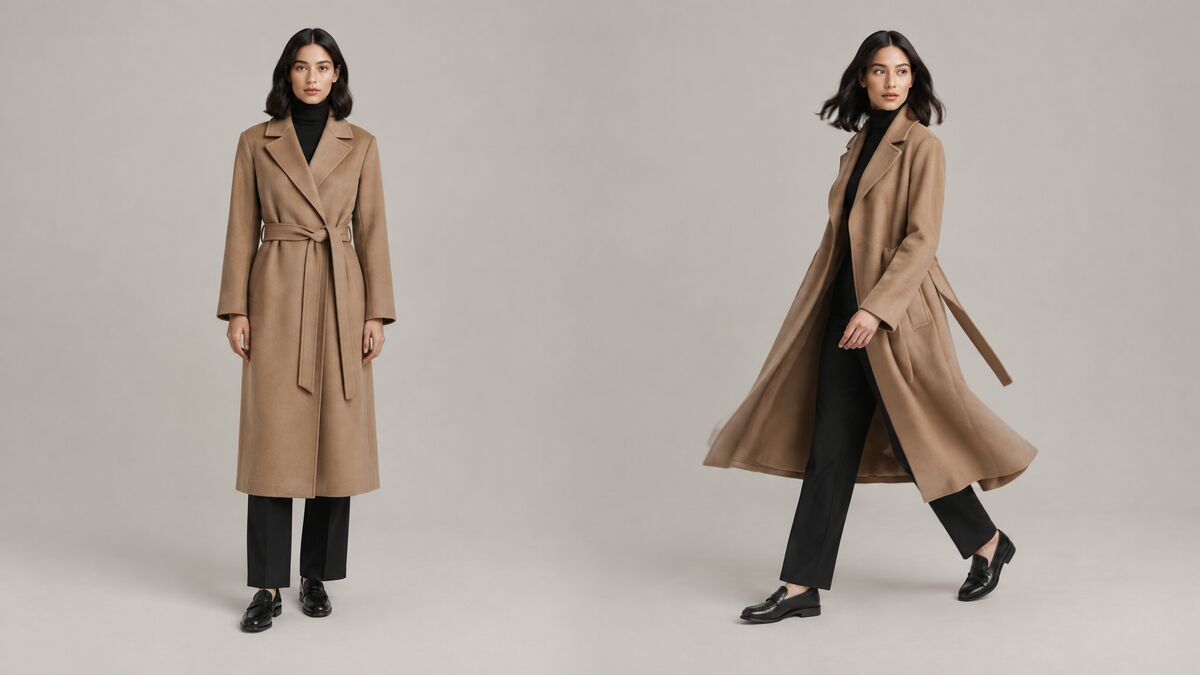
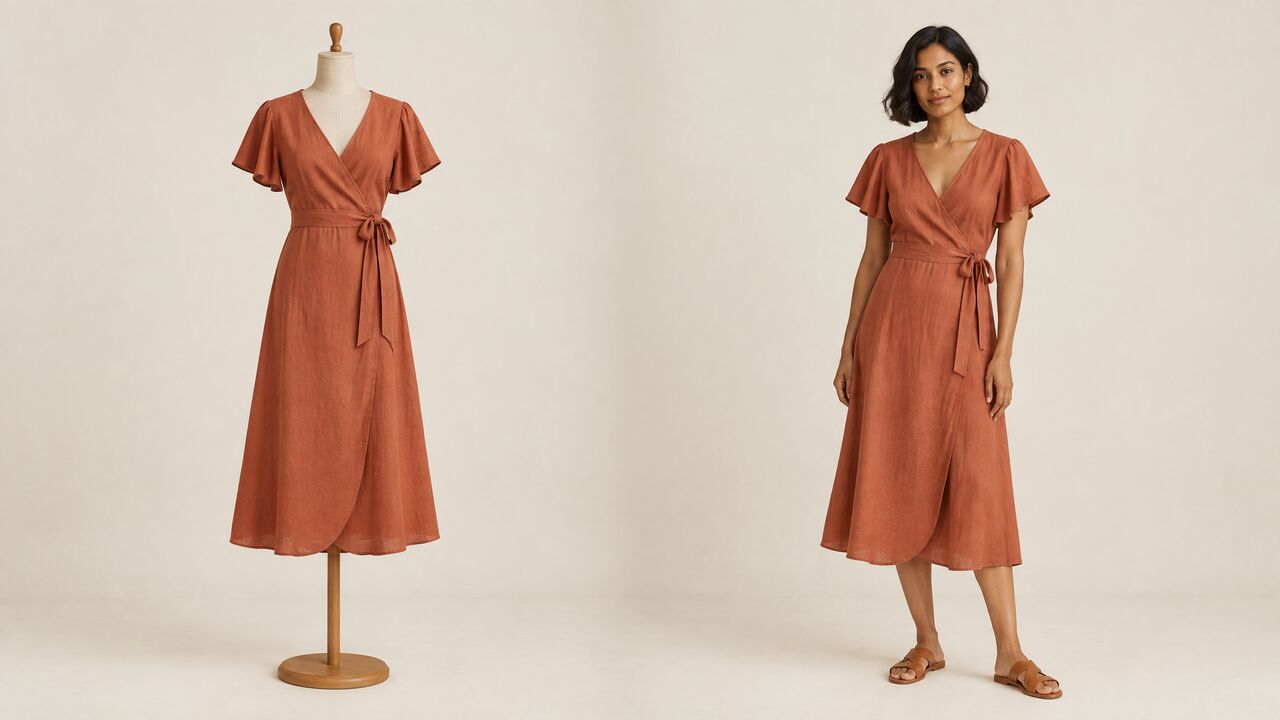
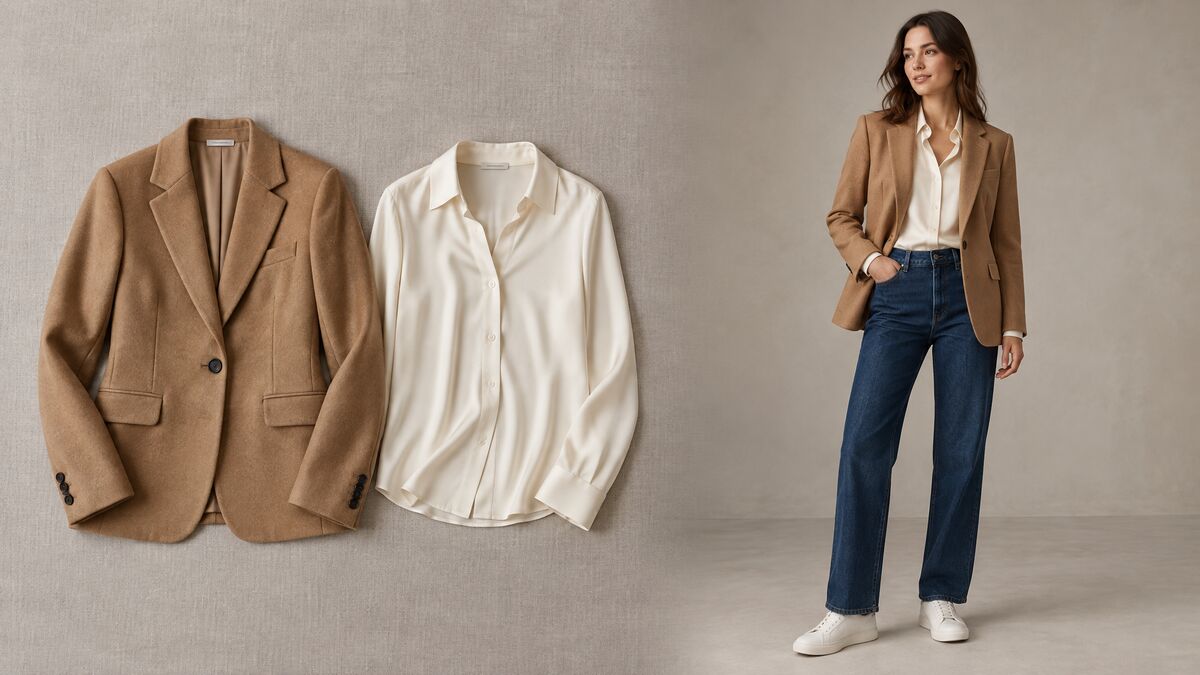
AI Fashion Photoshoot vs Traditional Photoshoot: Cost, Time and Quality Compared
12 min readAI can now produce most of the images and videos a fashion shoot used to deliver, but cost, time and quality trade off differently in each approach. This guide compares both by cost structure, production stages and quality, then shows when a hybrid workflow makes sense.
What you'll find in this article
- Can AI replace a fashion photoshoot?
- How is the cost structured in an AI photoshoot vs a traditional photoshoot?
- How long does an AI photoshoot take compared with a traditional shoot?
- How does the quality compare?
- When should you choose AI, a traditional shoot or both?
- What does a hybrid photoshoot workflow look like?
- What should you check before replacing a shoot with AI?
- Frequently asked questions
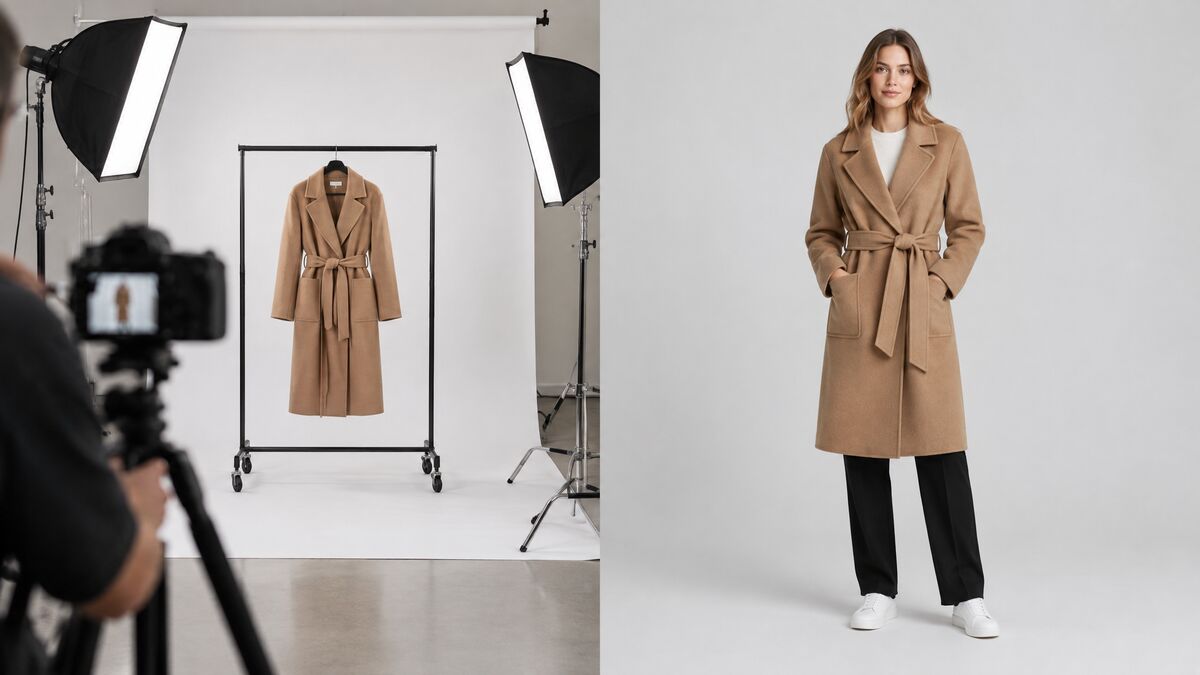
You can create a photoshoot with AI that replaces most routine fashion shoot outputs: catalog on-model images, product and lifestyle images, short product videos and ad variations. An AI fashion photoshoot has usage-based cost and no shoot-day overhead. A traditional photoshoot is still the better choice for hero campaigns, real talent, fit content and sets that must be real, so many brands combine both.
Key takeaways
- An AI photoshoot can replace routine outputs such as catalog on-model images, product and lifestyle images, short product videos and ad variations.
- A traditional photoshoot is mostly fixed cost per shoot day, while an AI photoshoot is variable cost per generation with no shoot-day overhead.
- With AI, the slow part of production moves from coordinating people, places and samples to reviewing outputs.
- AI shows how a garment looks on a body, not how a specific size fits, and text and logos must be checked at full size.
- A hybrid workflow uses a small traditional shoot for hero images and true-color product photos, then AI for variations, formats and videos.
Can AI replace a fashion photoshoot?
AI can replace many routine fashion photoshoot outputs, but not every kind of shoot. The work AI handles well is repeatable and product-led. The garment is the subject, the brief is predictable, and the value comes from volume and speed.
An AI photoshoot generator is usually not one tool but a set of them:
- Virtual try-on puts real garments on a model for catalog on-model images.
- AI image generation creates AI product photography, lifestyle scenes and campaign visuals from reference photos and a text prompt.
- AI video turns a still image into a short product clip for social feeds and ads.
Together, these tools cover most of what a catalog or social content shoot delivers, including ad variations for creative testing.
A traditional photoshoot is still the better choice for some work:
- Hero campaigns built on a specific creative idea, where a photographer and art director shape the result on set.
- Real talent and celebrity faces, where the person is the point of the image and a contract covers their likeness.
- Physical fit content, where shoppers need to see how a specific size sits on a real body.
- Sets that must be real, such as a flagship store, an event or a location partnership.
The balanced answer is that AI changes which images need a shoot, not whether shoots exist. Brands that use AI for routine output and keep traditional shoots for high-stakes creative work usually get the most from both.
How is the cost structured in an AI photoshoot vs a traditional photoshoot?
A traditional photoshoot has mostly fixed costs per shoot day, while an AI photoshoot has variable costs per generation. That difference in structure matters more than any single price.
Traditional photoshoot cost is built around the shoot day: model fees, a photographer and crew, a studio or location, styling, samples, travel and retouching. Most of these costs stay the same whether the team delivers a handful of images or hundreds. Cost per image only falls when many images come from one day, and every reshoot repeats the fixed costs.
An AI photoshoot charges per generation. There is no shoot-day overhead, so the first image costs about the same as the last one, and a reshoot costs one more run.
| Cost driver | Traditional photoshoot | AI photoshoot |
|---|---|---|
| Fixed vs variable cost | Mostly fixed per shoot day | Variable, per generation |
| Minimum spend to get one image | A full setup: crew, model, studio and samples | One generation |
| Adding one more colorway | Shooting the extra sample, or retouching a color change | One more run with a photo of the new colorway |
| A reshoot | Repeats most of the fixed costs | One more run |
| A new market version | A new model, location or separate shoot | New runs with a different model or background |
| Retouching | Paid per selected image | Mostly review and selection; a fix is another run |
For on-model images specifically, the guide on what AI virtual try-on is compares try-on with a traditional shoot on time to first image, reshoots and consistency.
AI tools usually show pricing as subscription plans with credits. Fash Studio plans, for example, start with Basic at $15 per month for 700 credits, followed by Starter at $49.99 for 3,700 credits, Pro at $129.99 for 10,200 credits and a custom Enterprise plan. The credit cost of each run depends on the model, resolution and settings, and the Run button shows the exact price before the run starts.
How long does an AI photoshoot take compared with a traditional shoot?
The biggest time difference sits in the stages before and after the camera, not in the shooting itself. A traditional photoshoot depends on people, places and physical samples lining up on one date. An AI photoshoot depends mainly on good input photos and a clear brief.
| Stage | Traditional photoshoot | AI photoshoot |
|---|---|---|
| Planning and briefing | Moodboard, shot list and call sheet for crew and talent | Shot list, prompts and reference photos per image |
| Booking talent and location | Agencies, availability, contracts and permits | Choose a built-in model or upload an approved model photo; describe the setting |
| Sample logistics | Samples produced, shipped, steamed and tracked on set | One accurate product photo per garment |
| Shooting | One or more shoot days, dependent on light and weather | Runs that can happen in parallel, at any time |
| Retouching and selection | Culling, then retouching each selected image | Selecting from runs and checking garment details at full size |
| Delivery | After retouching and export rounds | Each image is available when its run finishes |
| Revisions | More retouching, or a reshoot if the image itself is wrong | Edit the prompt or input and run again |
AI still needs an accurate product photo of each garment, so the sample stage gets shorter but does not disappear. What changes is the critical path. In a traditional shoot it is coordination; in an AI photoshoot it is review.
In Fash Studio, most images appear in History within seconds, and most video runs finish in under a minute. The time a team spends goes into checking color, details and consistency rather than waiting for output.
How does the quality compare?
Quality depends on the dimension being judged: AI is strong on consistency and variation, while a traditional shoot is stronger on physical truth and on-set creativity.
Garment accuracy: color, print and texture
AI output is only as accurate as its input photo. With a true-color product photo, color, print and texture usually carry over well, though small prints, fine knits and sheen can shift. Without a reference photo, AI invents the garment, which suits a mood image but not a product page. A traditional shoot captures the physical garment directly, although lighting and retouching still affect color.
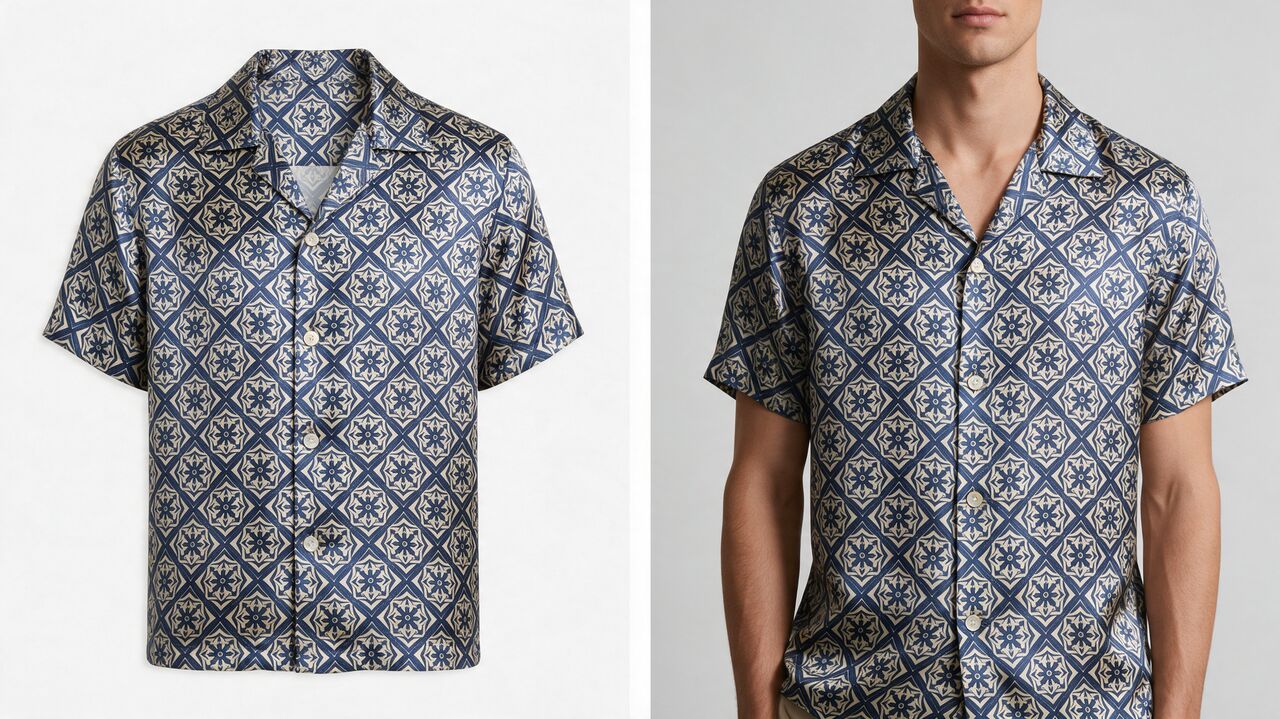
Realism of people and hands
Current AI models produce realistic faces, skin and poses at catalog distance. Hands, fingers, jewelry and the edges where a garment meets the body are the most common failure points, so every image needs a close look. A traditional shoot has none of these artifacts, but it has its own, such as creases, pinning and retouching marks.
Creative control and art direction
On a set, a photographer and art director react in real time to light, movement and styling. With AI, art direction lives in the prompt and the reference images. That works well for defined looks and variations, and less well for ideas that only appear on set.
Consistency across a catalog
An AI model photoshoot can be very consistent when the same model, background and settings are reused for every product. Consistency breaks when each image is generated from scratch with a different description. Traditional shoots are consistent within a day but drift between seasons, models and studios.
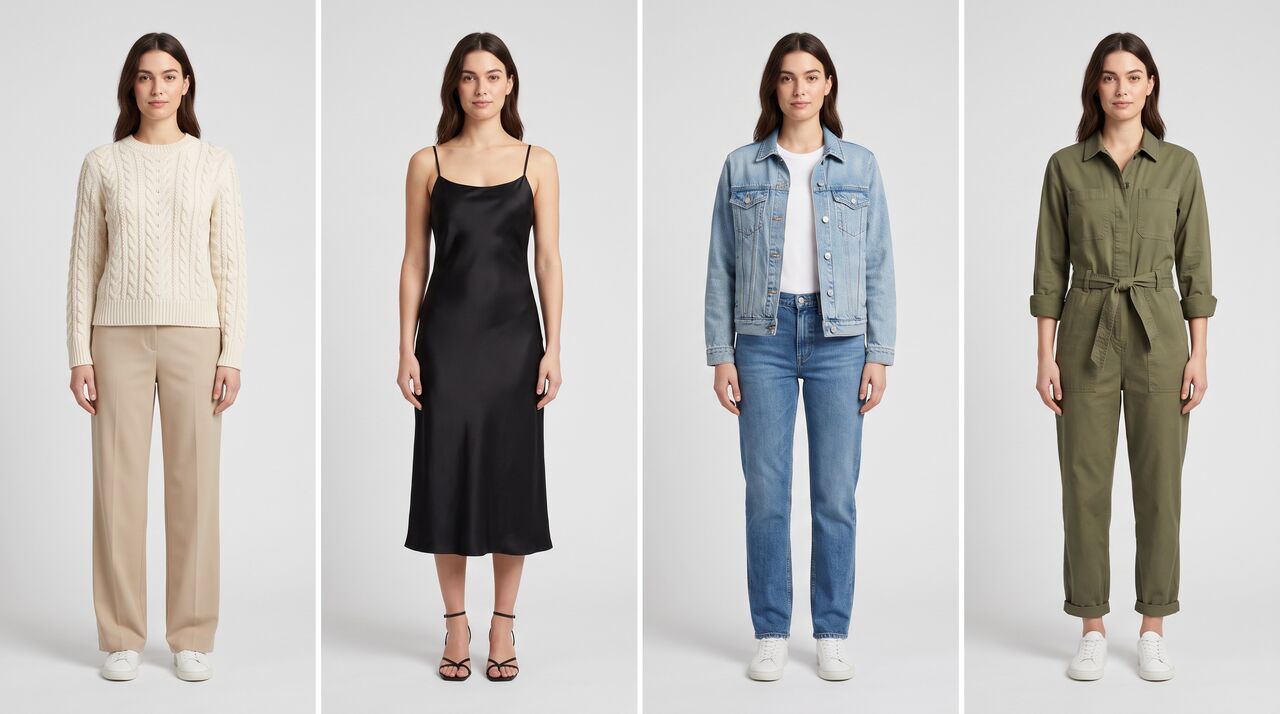
Text and logos
AI still struggles with long text. Long paragraphs of text in prompts come back garbled on current image models, so text on labels, prints and logos must be checked at full size. A traditional photo reproduces printed text exactly as it is on the garment.
Fit information
AI shows how a garment looks on a body, not how a specific size fits. It does not know the garment's measurements, the fabric's stretch or how it drapes at a given size. Fit and size content still needs real garments on real bodies.
When should you choose AI, a traditional shoot or both?
Choose AI for volume and variation, a traditional shoot for one-off creative work and physical truth, and a hybrid approach when a job needs both.
| Job | Best approach | Reason |
|---|---|---|
| Seasonal catalog | Hybrid | Shoot hero looks and true-color product photos, then produce on-model images with AI. |
| New colorways | AI | One product photo per colorway replaces a reshoot. |
| Marketplace listings | AI | Repeatable formats and backgrounds suit consistent generation, within each marketplace's rules. |
| Ad creative testing | AI | Many variations of model, setting and format are quick to produce and test. |
| Social content | AI | High volume, short shelf life and many formats. |
| Hero campaign | Traditional | A specific creative idea and real talent benefit from a live set. |
| Lookbook | Hybrid | Real hero looks set the tone; AI extends them across products and settings. |
| Fit and size content | Traditional | Shoppers need to see how real sizes sit on real bodies. |
| Product videos for Reels | AI | A still product image can be animated into a short clip. |
When a job is unclear, ask two questions. Does the image need a real person or a real place? Does it need to show physical fit? If both answers are no, AI is usually the faster route.
What does a hybrid photoshoot workflow look like?
A hybrid workflow uses a small traditional shoot for the images that need one, then AI for everything that builds on those photos.
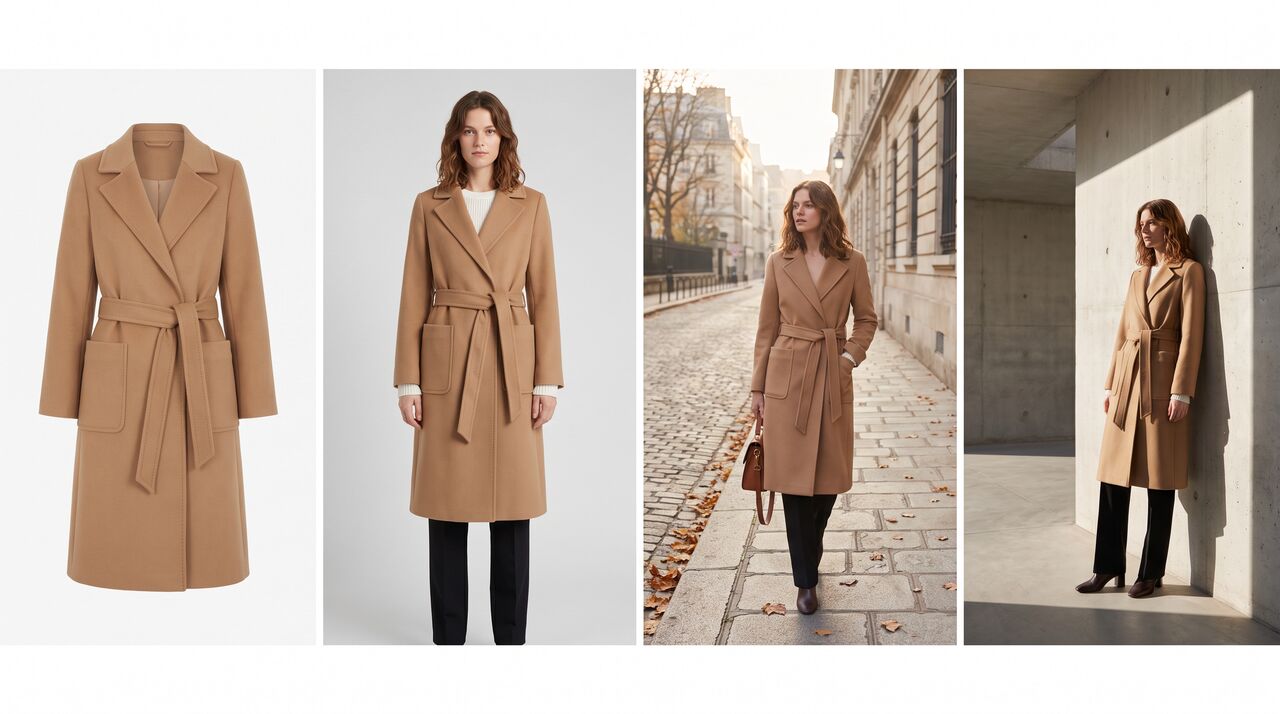
- Plan the outputs. List every image and video the season needs, and mark the ones that need a real set, real talent or fit content.
- Shoot a small hero set. Book one short shoot for hero images and the items marked in step 1.
- Capture true-color product photos. Photograph every garment and colorway as a flat lay, on a ghost mannequin or on a model, in neutral light, and check color against the physical sample.
- Create on-model images. Use AI virtual try-on to dress one consistent model in the garments, combining several garments into one outfit where needed.
- Extend into lifestyle and campaign images. Use AI image generation with the product photos as references to build scenes and campaign visuals. The guide on how to create a fashion campaign with AI walks through the full process, from product image to finished campaign.
- Turn key images into video. Use an AI product video generator to animate selected images for Reels and ads. The guide on how to turn a product photo into a video walks through the process.
- Review and approve. Check every output against the checklist in the next section before it goes live.
In this workflow, the traditional shoot shrinks to the images only a real set can produce, while the product photos become the source for every AI output that follows.
What should you check before replacing a shoot with AI?
Before AI images replace shoot images on a live product page, check them against the physical product and the rules of each channel.
- Color accuracy: compare each image with the physical sample under neutral light, not only with the source photo.
- Print and logo placement: check prints, labels and logos at full size for position, scale and legibility.
- Consistent model and setting: use the same model, background and settings across a category so the catalog reads as one shoot.
- Marketplace image rules: check each marketplace's requirements for backgrounds, cropping, models and AI-generated imagery.
- Commercial use rights: confirm the tool's terms allow commercial use of outputs on product pages, marketplaces, ads and print.
- Rights and consent: have rights and consent for any real person whose face or photo is used, including model photos you upload.
- Disclosure policies: follow platform, marketplace and local rules on disclosing AI-generated or edited imagery where they apply.
A final sign-off by someone who has seen the physical garment catches most problems before customers do.
The fastest way to judge AI against your current shoots is to test it on one product you have already photographed. Start your first AI fashion photoshoot from a product photo with Fash Studio's AI image generator for fashion.
Frequently asked questions
Is an AI photoshoot cheaper than a traditional photoshoot?
For routine outputs, an AI photoshoot is usually cheaper because it charges per generation and has no shoot-day costs. A traditional photoshoot carries fixed costs for crew, talent, location and samples, and a reshoot repeats them. For a hero campaign with real talent, the comparison matters less, because AI is not a substitute for that work.
Can I create a photoshoot with AI without a real product photo?
Yes. AI image generation can build a whole scene from a text description when no reference photo is uploaded, which suits mood boards and concept images. When the garment must be accurate, as on a product page, upload a real product photo so the AI works from the actual color, print and shape.
Are AI fashion photos good enough for product pages?
AI fashion photos can be good enough for product pages when they start from a true-color product photo and pass a full-size check. Review color against the physical sample, along with prints, logos, hands and garment edges. AI images show how a garment looks, not how a size fits, so keep fit details in the size guide or in real fit photos.
Can AI photos be used in ads and on marketplaces?
Whether AI photos can be used in ads and on marketplaces depends on the tool's terms and each platform's rules. Every image and video generated in Fash Studio can be used commercially, including on product pages, marketplaces, social media, ads and print. Marketplaces and ad platforms also set their own image and disclosure rules, so check them before uploading.
Will AI fully replace fashion photographers?
AI is unlikely to fully replace fashion photographers, because hero campaigns, real talent, fit content and real sets still need a live shoot. What changes is the mix of work: fewer routine catalog days and more hero and product photography that feeds AI workflows. Accurate input photos become more valuable, not less.
How do I keep the same model across an AI photoshoot?
Use virtual try-on with the same model photo for every product, so only the clothing changes between images. In Fash Studio, you can pick a built-in AI model or upload your own full-body model photo, and the model's face, hair, skin tone, body shape and pose stay the same. Use a model photo you have rights and consent for, and keep the background and settings the same across the catalog.
Create your first realistic fashion image in minutes.
Join thousands of brands turning product photos into model imagery, videos, and campaigns.
Get started →