Pick an App
One-click AI tools that transform your creative workflow.
New Character
Target Photo
Character Swap in a Single Click
What Is AI Character Swap?
AI character swap is a Fash Studio tool that replaces the entire person in a photo with someone else. You upload a New Character photo and a Target Photo, and the AI transfers the new person's face, body and clothing into the target image while the background stays exactly where it is.
Fash Studio's character swap AI is made for fashion and marketing photos where the person needs to change but the scene should not. When you need to change the character in a finished image, one click on Run starts the swap. Each run uses credits from your Fash Studio balance.
How to Swap a Character in 3 Steps
Swapping a character takes three steps: upload the new character, upload the target photo, then press Run.
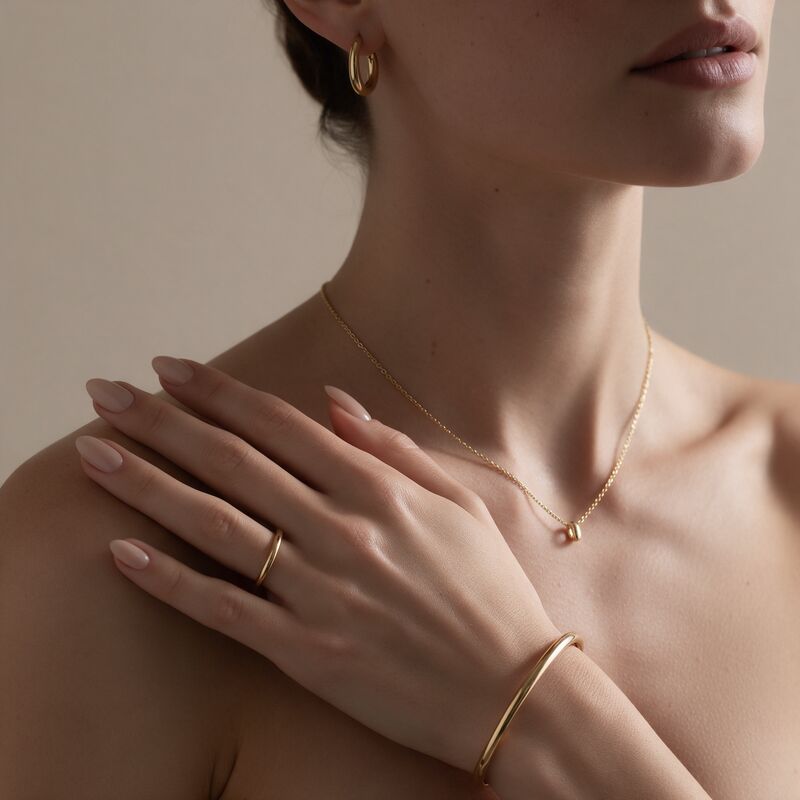
- Upload the new character. Add a photo of the person who will appear in the final result to the New Character box. The face, body and clothing in the result all come from this photo.
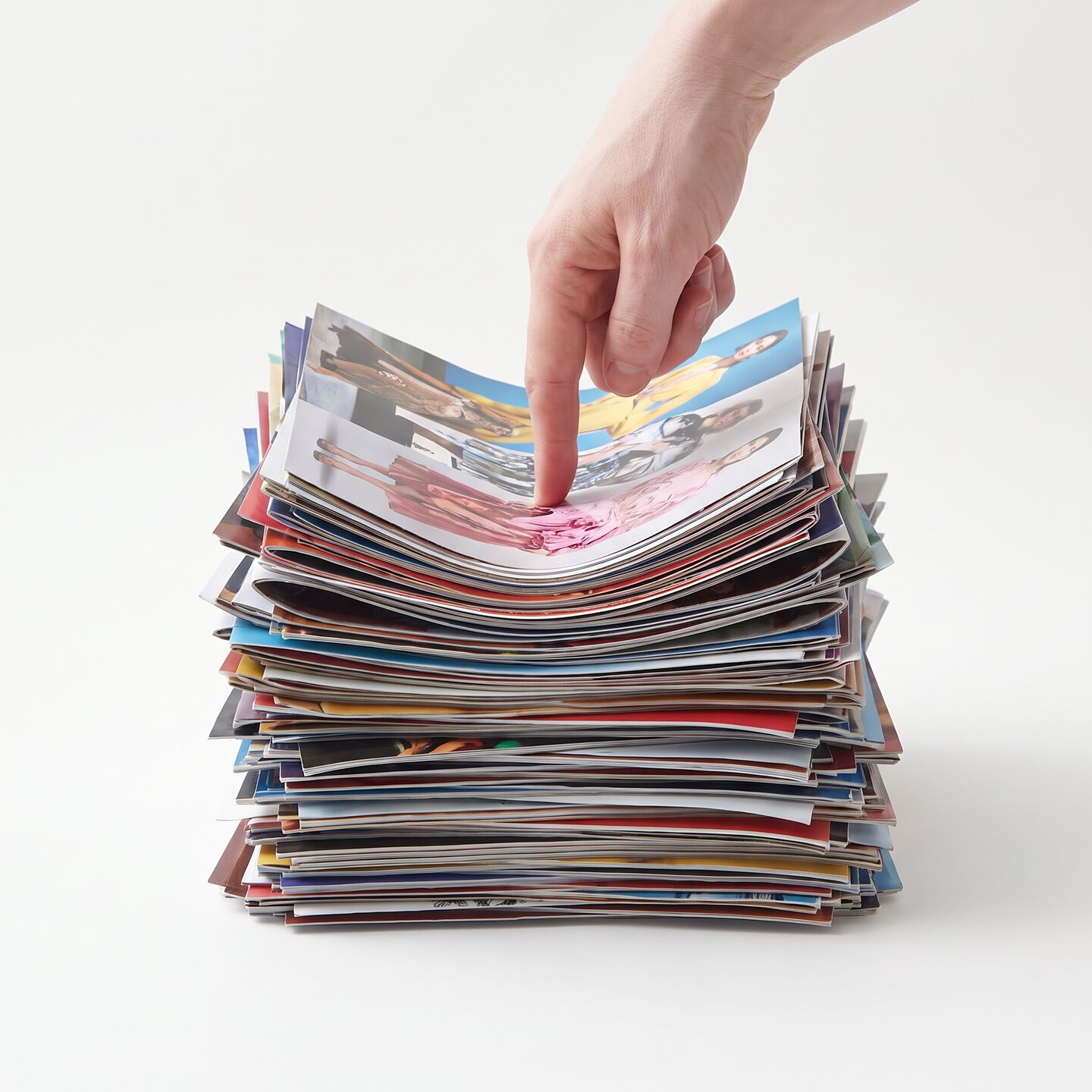
- Upload the target photo. Add the photo with the person you want to replace to the Target Photo box. The result keeps the background of this photo.
- Run the swap. Press Run. The AI replaces the whole person in the target photo with the new character in one click.
Character Swap vs Face Swap vs Model Swap
Character Swap changes the whole person including the outfit, Face Swap changes only the face, and Model Swap changes the face and body but keeps the original outfit.
| Tool | What changes | What stays | Best for |
|---|---|---|---|
| Character Swap | Face, body and clothing | Background of the target photo | Replacing the whole person, outfit included |
| Face Swap | Face only | Body, clothing and background | Changing who appears while keeping the same styling |
| Model Swap | Face and body | The original outfit | Showing the same outfit on a different person |
Choose the tool by what should stay the same in the photo. To change only the face and keep the body and outfit, use AI face swap. To show the same outfit on a different person, use AI model swap. When the person and the outfit should both change, character swap is the right choice. To put a new garment onto a model without replacing the person, use AI virtual try-on instead.
AI Body Swap Use Cases for Brands and Creators
AI body swap puts a different person into a photo you already have, so brands and creators can get new images without booking a new shoot.
Campaign reshoots without a new shoot
A finished campaign image can carry a new face, body and outfit while its background stays in place. When talent changes after a shoot or a look needs a refresh, the team keeps the approved location and replaces only the person.
Localized ads with different talent
Regional campaigns often need different talent for each market. Swapping the person in one approved ad gives every market its own version on the same background. If a market also needs a different setting, run the result through the AI background changer. Each market's image can then become a scripted video ad with the AI video ad generator.
Creator content
Creators who want to swap body, face and outfit in one step can place themselves or a collaborator into a scene they already shot. Upload your own photo as the new character, and the target photo keeps its setting, so one location can carry many different looks. To make the swapped character move, animate the image with Kling motion control.
Storyboards and concepts
Storyboards and concept boards come together faster when one scene can hold different people. A character change on a reference frame shows how a different person, dressed differently, looks in the same setting before anything is booked. When the scene itself does not exist yet, create it first with the AI image generator for fashion.
Tips for a Realistic Body Swap
A realistic body swap starts with two photos that are similar in pose, framing, lighting and quality.
Matching pose and angle
Photos with a similar pose and camera angle give the AI less to reinterpret. A front-facing new character fits a front-facing target best, and a side profile fits a side profile.
Full-body vs half-body shots
The clothing in the result comes from the new character photo, so that photo needs to show the outfit you want. Pair a full-body target with a full-body new character. A half-body target works with a half-body or full-body new character. A headshot as the new character does not show the clothing that should transfer.
Lighting
Even, soft light makes the face, skin and fabric easy to read. Harsh shadows, strong color casts and dark photos hide the details the swap needs to reproduce, so a neutral, well-lit source photo is the safer choice.
Resolution
Sharp, high-resolution photos give the best body swap AI results. Blurry or heavily compressed images lose the fine detail in faces and fabric, and a swap can only work with the detail it can see.
Is AI Character Swap Safe and Ethical to Use?
AI character swap is safe and ethical to use when you have the rights and consent to edit the people in your photos.
Users must have the rights to both images and the consent of every person shown, in the new character photo and in the target photo. Character changing should never be used to impersonate someone, create misleading content or put a person in a scene they did not agree to. For commercial work, keep model releases and usage agreements on file for everyone who appears in the final image.
Upload a new character and a target photo above to run your first character swap.
Frequently Asked Questions
What is the difference between character swap and face swap?
Face swap changes only the face and keeps the body, clothing and background of the target photo. Character swap replaces the whole person, so the face, body and clothing all come from the new character. The background of the target photo stays the same with both tools.
Does the clothing change in a character swap?
Yes. The clothing is transferred from the new character photo along with the face and body. To keep the original outfit and change only the person, use Model Swap instead.
How do I put my face onto an AI character?
To put only your face onto an AI character image, use Face Swap: upload your photo as the source face and the AI character image as the target. Character Swap goes further and moves your whole person, including your body and outfit, into the target photo. Only use photos of yourself or of people who have given their consent.
Does the background change?
No. The background of the target photo stays exactly where it is, and only the person is replaced. To change the setting as well, run the result through Background Changer afterward.
What kind of photos work best for AI body swap?
Two sharp, well-lit photos with a similar pose, angle and framing work best. The new character photo should show the full outfit you want in the result, because the clothing comes from that image. Avoid blurry, heavily compressed or dark photos.
Can I use character swap images in ads?
Yes, as long as you have the rights to both photos and the consent of every person who appears in them. Keep model releases and usage agreements for the new character and for anyone in the target photo. Check each ad platform's policies on AI-edited images before you publish.