Pick an App
One-click AI tools that transform your creative workflow.
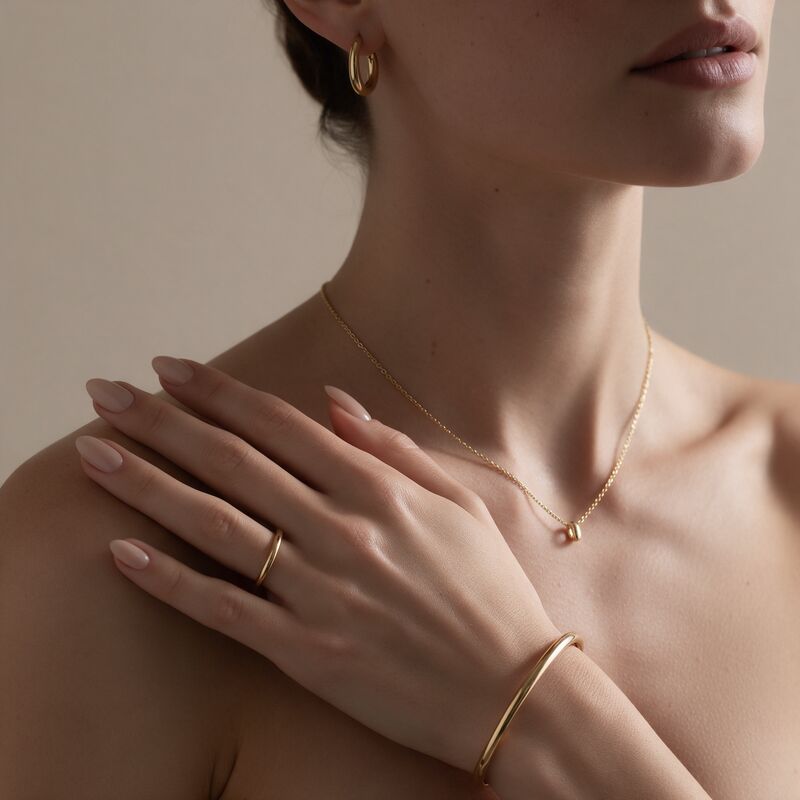
New Model
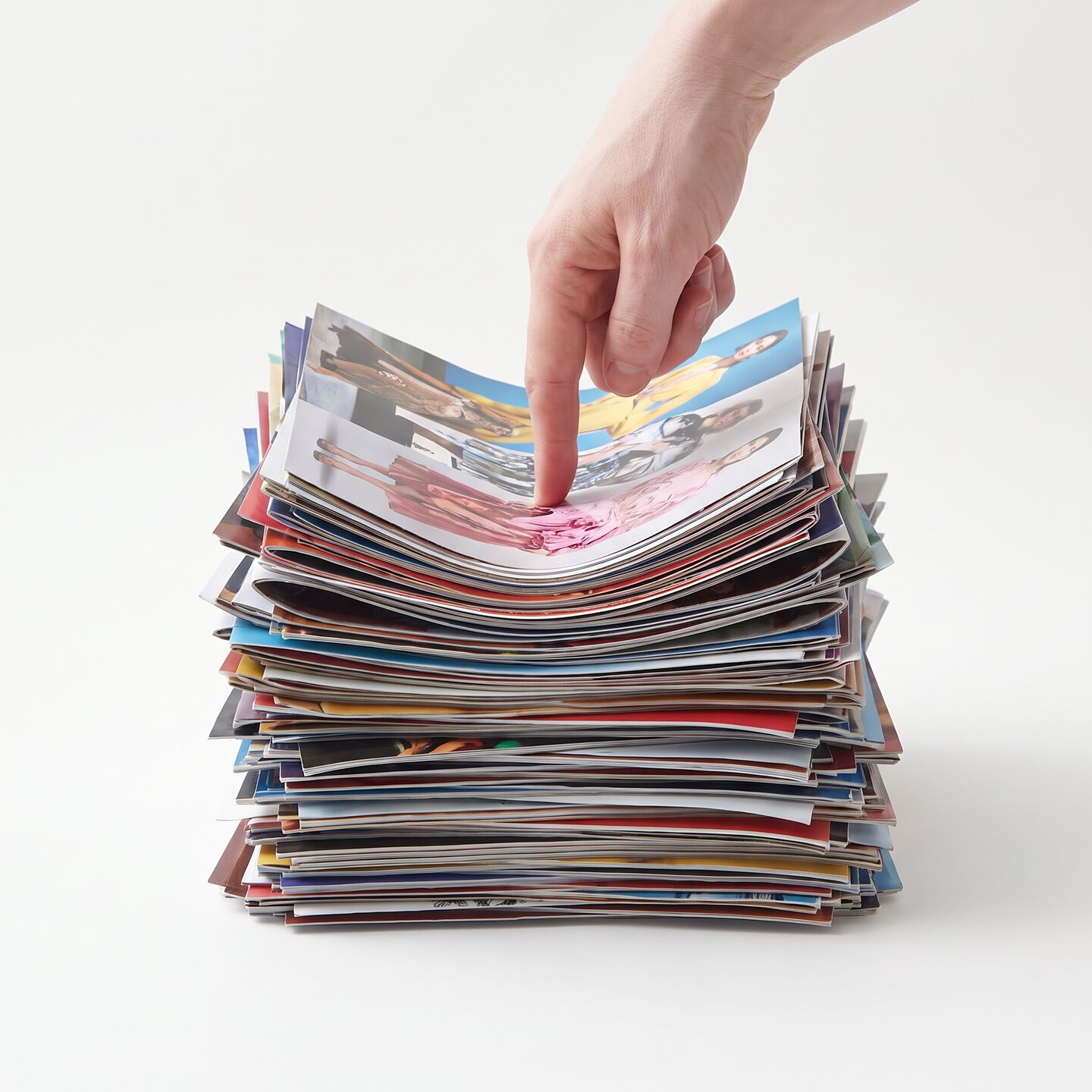
Target Photo
Swap the Model, Keep Everything Else
What Is AI Model Swap?
AI model swap is an AI model changer from Fash Studio that replaces the person in a fashion photo with a new model while keeping the outfit untouched. You upload a New Model photo and a Target Photo; the AI swaps the face, skin tone and body, and the clothing, accessories, pose and background stay exactly the same.
Model Swap is built for fashion: one product shoot can be reused with different models. Teams looking for an AI fashion model generator that keeps the real product can use Model Swap to put new models into photos they already have. Each run uses credits from your Fash Studio balance.
How to Change the Model in a Fashion Photo
Changing the model in a fashion photo takes three steps: upload the new model, upload the target photo, then press Run.
- Upload the new model. Add a photo of the person whose face, skin tone and body should appear in the result to the New Model box.
- Upload the target photo. Add the product photo where the model will be replaced to the Target Photo box. The result keeps the clothing, accessories, pose and background of this photo.
- Run the swap. Press Run. The AI puts the new model into the target photo, and the outfit stays exactly as it was shot.
What Does the AI Model Changer Change?
The AI model changer replaces the face, skin tone and body, and keeps the clothing, accessories, pose and background exactly the same.
| Part of the photo | After the swap |
|---|---|
| Face | Changes to the new model |
| Skin tone | Changes to the new model |
| Body | Changes to the new model |
| Clothing | Stays the same |
| Accessories | Stays the same |
| Pose | Stays the same |
| Background | Stays the same |
Model clothes stay untouched in every swap, so the product in the result is the same product you photographed.
Why Fashion Brands Use Virtual Models
Fashion brands use virtual models to show the same product on many different people without organizing a new shoot for each one.
One shoot, many models
A single product shoot can be reused with different models. Instead of booking a new clothes model for every look, the garment, styling and set are photographed once, and each swap puts a new person into the same image. To create new product, lifestyle and campaign shots of the same garment, use the AI product photo generator.
Showing clothes on models of different looks
Shoppers want to see garments on people who look like them. Swapping the face, skin tone and body lets one outfit appear on models with different looks, while the clothing itself stays exactly as photographed.
Faster catalog updates
Catalog images can be refreshed without waiting for the next shoot. When a product page needs a different model, the existing product photo is swapped instead of reshot, and the outfit stays exactly as it was photographed.
Market-specific creatives
Regional campaigns can show AI fashion models that suit each market while every version uses the same product photo. The clothing, pose and background stay the same, so the creatives stay consistent across markets. Each version can also become a short video with the AI product video generator or a creator-style ad with the AI UGC try-on video generator.
AI Model Swap vs Character Swap vs Face Swap
Model Swap keeps the outfit, Character Swap also changes the clothing, and Face Swap changes only the face.
| Tool | What changes | The outfit |
|---|---|---|
| Model Swap | Face, skin tone and body | Stays exactly the same |
| Character Swap | Face, body and clothing | Changes |
| Face Swap | Face only | Stays exactly the same |
Pick the tool by what should change. Use AI virtual try-on to put a garment onto a model, Model Swap when the outfit is already on a model and only the person should change, AI character swap when the clothing should change too, and AI face swap when only the face should.
Tips for Best Results
The best model swaps come from a new model photo and a target photo with a similar pose and framing, a clearly visible face, and enough resolution.
Similar body pose and framing
A new model photo with a similar body pose and framing to the target gives the AI a close match to work from. The pose in the result comes from the target photo, so a front-facing new model suits a front-facing target best.
Clear face in the new model photo
The face in the result comes from the New Model photo, so that face needs to be clearly visible. Use a sharp, evenly lit photo where the face is not hidden by hair, hands, sunglasses or heavy shadow.
High-resolution target photo
The target photo carries the clothing, accessories and background into the result, so a sharp, high-resolution file keeps fabric texture and details readable. Whether the target is a cloth model shot from your studio or an existing campaign image, use the highest-resolution file you have. For more on preparing source photos, read how to create realistic fashion images with AI.
Upload a new model and your product photo above to swap the model in one click.
Frequently Asked Questions
Will the clothes change when I swap the model?
No. Clothing, accessories, pose and background stay exactly the same, and only the face, skin tone and body change. The product you photographed is the product that appears in the result.
What is a virtual model in fashion photography?
A virtual model is a person in a fashion photo whose face, skin tone and body were changed or created by AI. With Model Swap, that person comes from the New Model photo you upload and is placed into your product photo with the outfit unchanged. The result is an AI fashion model image that shows your real product on a different person.
Can I show the same clothes on models with different skin tones and body types?
Yes. Model Swap replaces the face, skin tone and body, so one product photo can be run with several new model photos to show the same outfit on people with different skin tones and body types. The clothing stays exactly as photographed in every result, and each run uses credits.
How is model swap different from face swap?
Face swap changes only the face and leaves the rest of the original person as it was. Model swap replaces the face, skin tone and body, so the whole person changes while the clothing, accessories, pose and background stay the same.
Can I use AI model images on my product pages?
Yes, as long as you have the rights to the product photo and the consent of the new model and of anyone in the target photo. AI models for clothing suit product pages because the garment in the image is the real product from your shoot. Check the rules of each marketplace you sell on for AI-edited images.
Do I need the new model's permission?
Yes. You must have the rights and consent to edit the people in your photos, including the person in the New Model photo and the person in the target photo. Keep model releases and usage agreements on file for commercial use.