Pick the Format That Sells
Try-on, unboxing, or review — each tells your product's story differently. Choose the one that fits your campaign.
Hook
(Optional)
(Optional)
Location
(Optional)
(Optional)
9:16
Aspect Ratio
10s
Duration
On


Advanced AI Marketing Videos, Explained
Bring your own images and a creative brief, and direct the ad yourself. A hook, a location, the exact spoken script, and up to seven reference images composed into one custom marketing video. This guide covers how the tool works and how to brief it well.
UGC Try-On or Advanced?
The Marketing Studio has two formats built on the same AI engine. Pick by how much control you want.
UGC Try-On Video
The streamlined format: a model photo and a product photo in, a creator-style try-on ad out. The AI writes the script and directs everything. Open UGC Try-On.
Advanced Marketing Video
The director's chair: your written brief is the source of truth, you can reference up to 7 of your own images, and you can script the dialogue word for word.
How Advanced Marketing Videos Work
Every video starts from your images and your brief. The AI turns them into a shot-by-shot edit with the hook, setting, and dialogue you chose.
Step 01
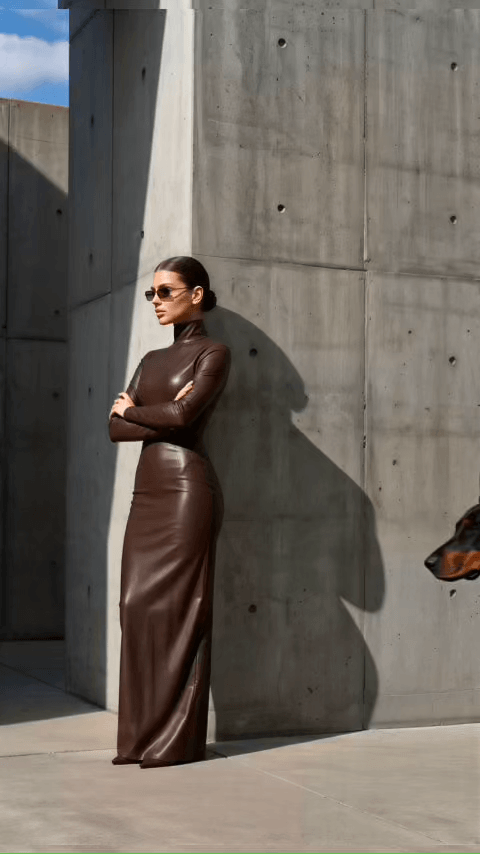
Add your images and write the brief
Upload up to 7 reference images, whether people, products, settings or style references, and describe the video you want. Your brief is the source of truth: the AI builds the whole ad around it.
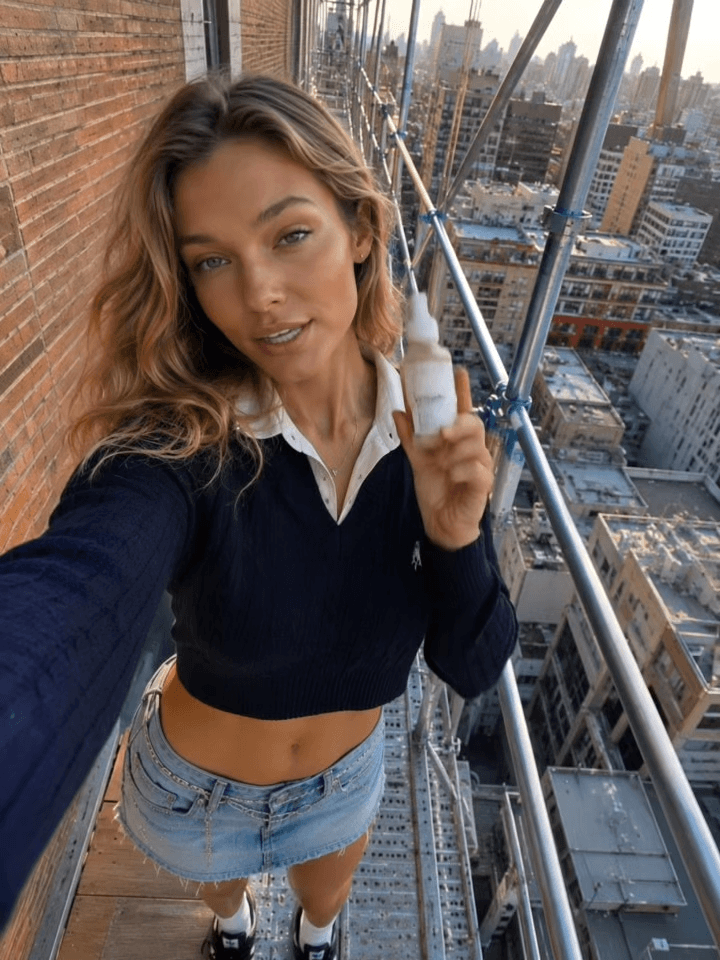
Step 02
Add a hook, location, and script
Optionally open on one of six hooks, set the scene in one of eleven locations, and script the exact lines you want spoken. Your words become the lip-synced dialogue.
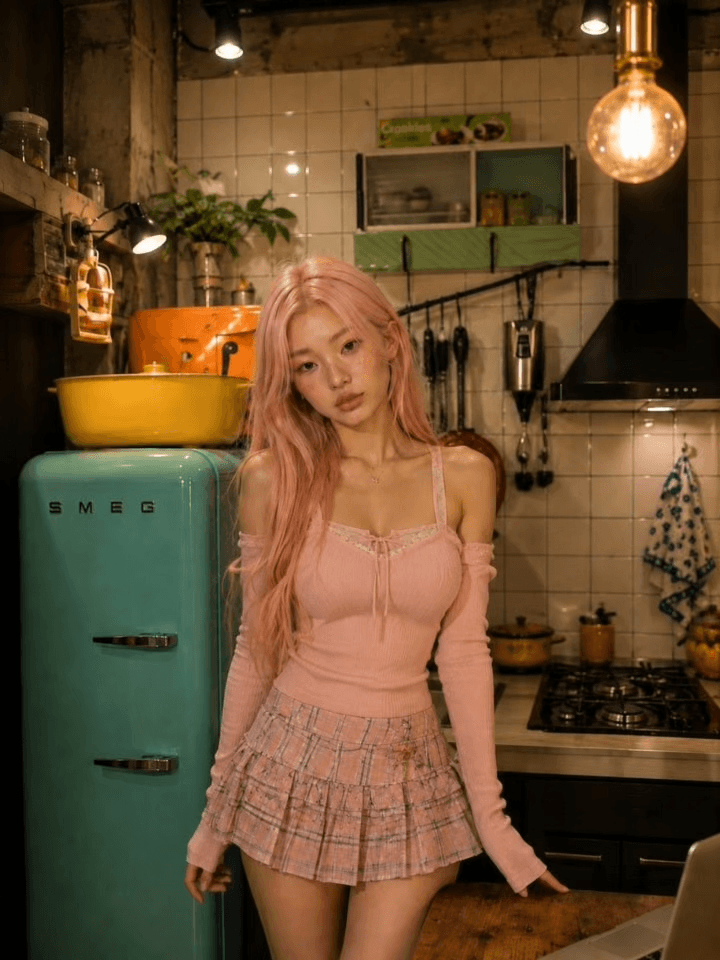
Step 03
Run and get your video
Choose the aspect ratio, duration, and audio, then press Run, with the exact credit cost shown on the button. The AI turns your brief into a shot-by-shot edit and the finished video lands in your History.
Pick the Perfect Location
The right backdrop sells the moment. Choose one of eleven built-in locations and the AI places your video there with believable light and atmosphere, or leave it empty and let your brief decide the setting.
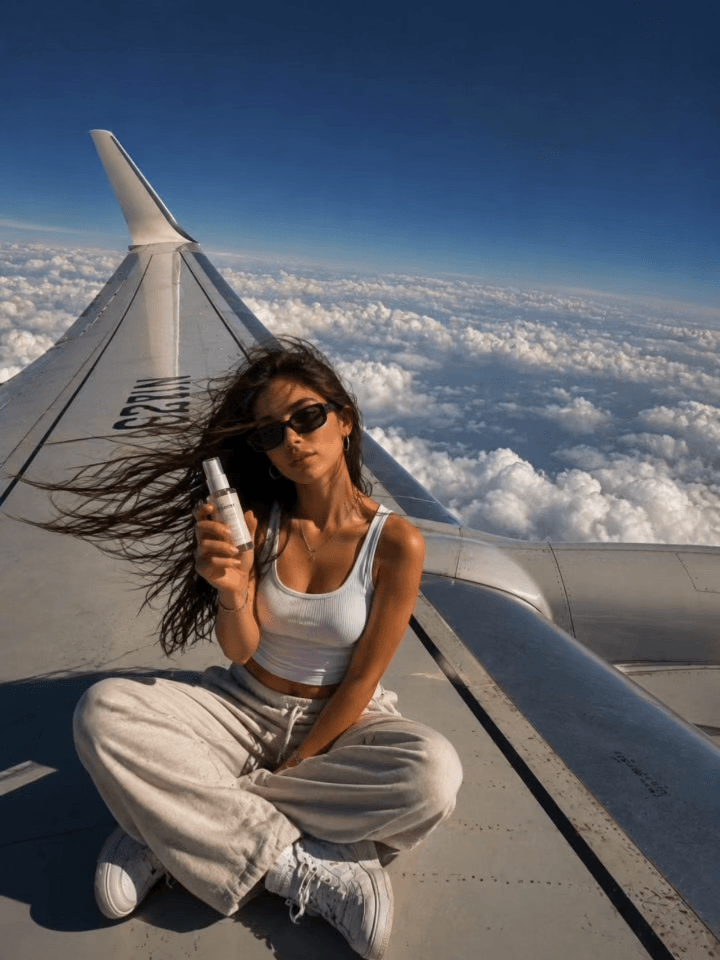
Airplane Wing
Sitting out on the airplane wing high above the clouds
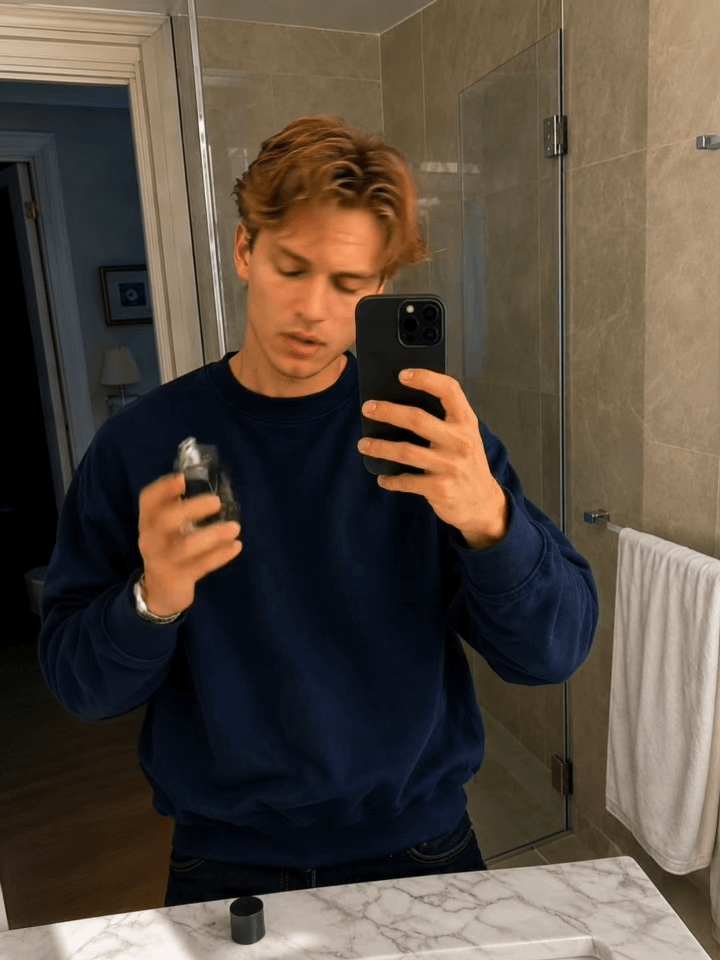
Bathroom
Modern bathroom interior with clean, minimal aesthetics
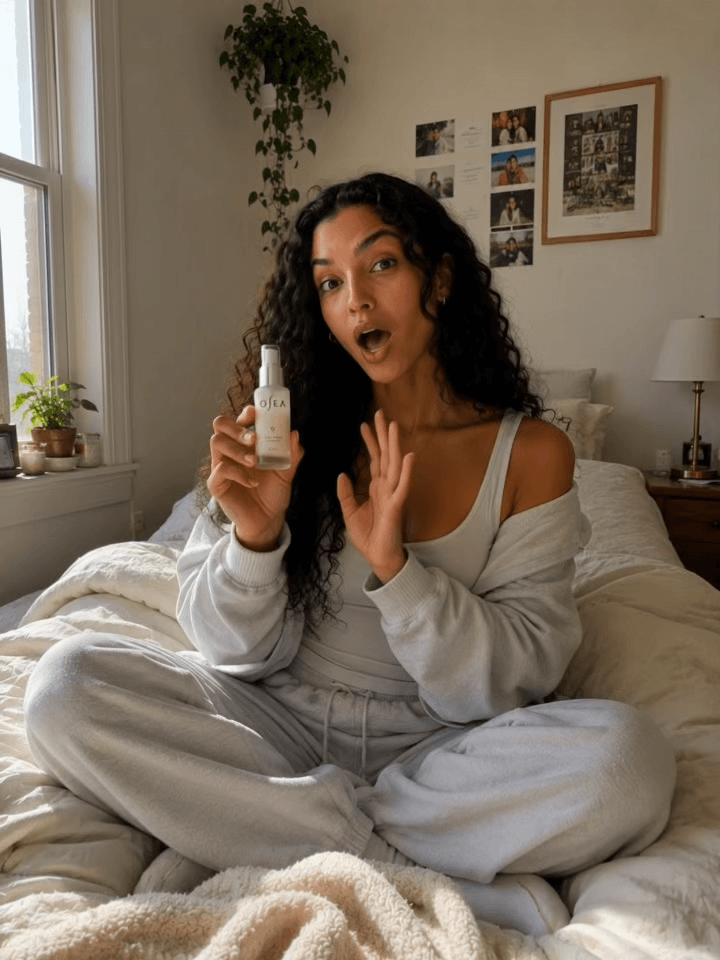
Bedroom
Cozy bedroom with soft natural light
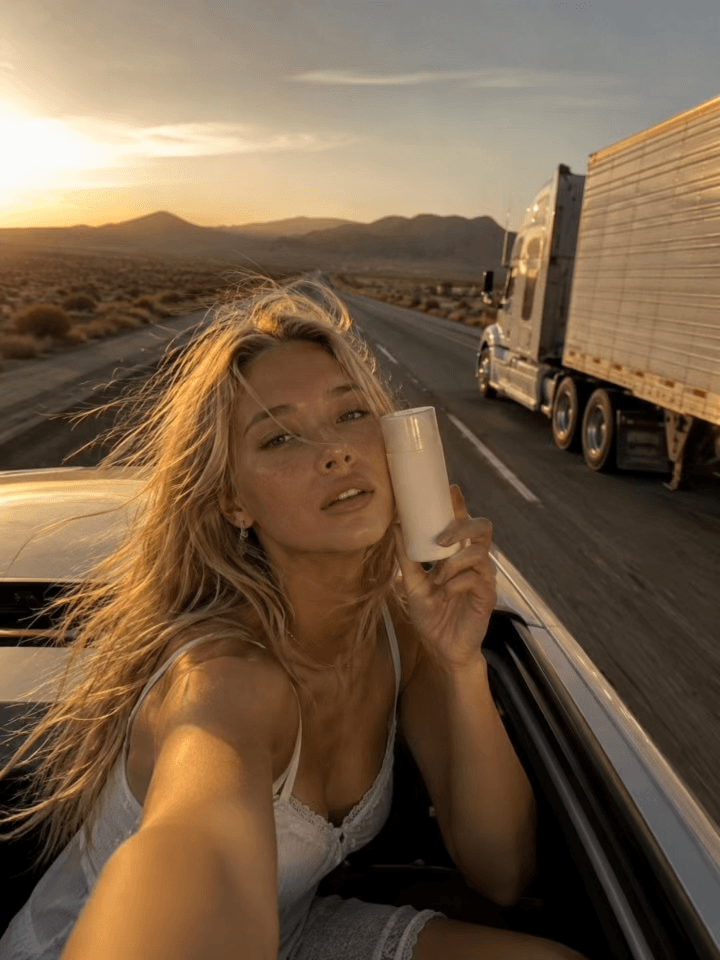
Car Roof
Open sunroof view looking up at the sky
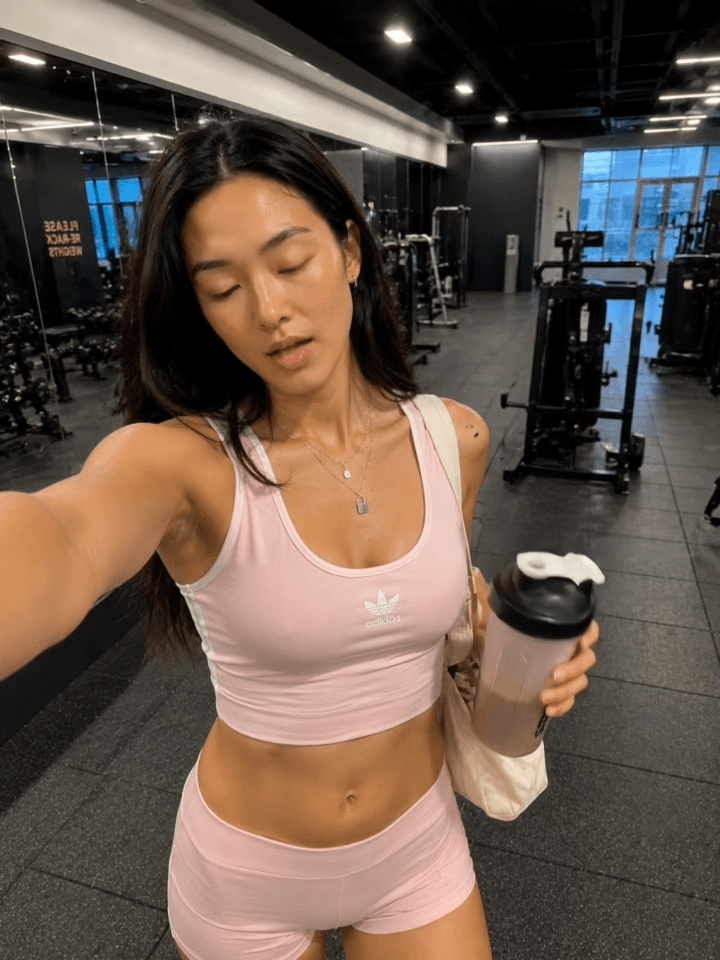
Gym
Fitness studio with workout equipment
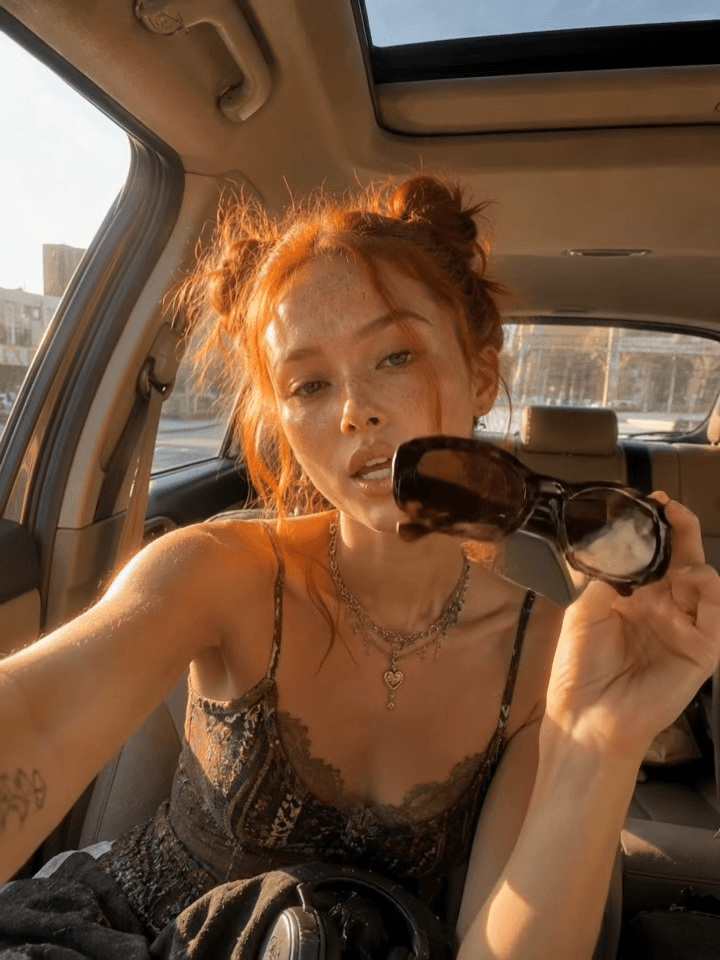
In Car
Inside a car with dashboard and windshield view
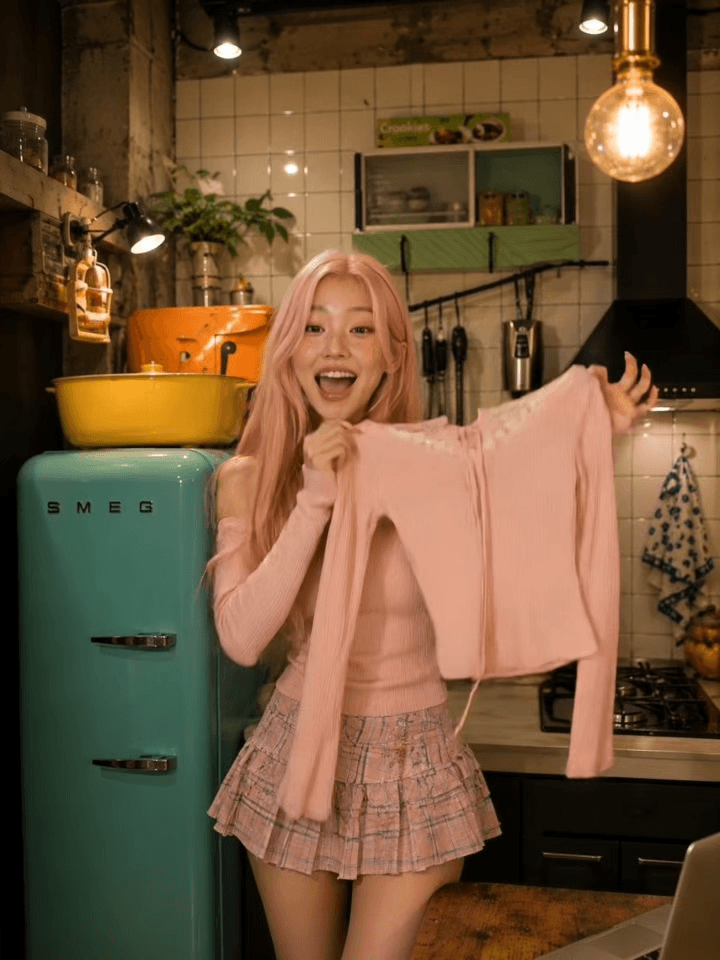
Kitchen
Modern kitchen with countertops and warm lighting
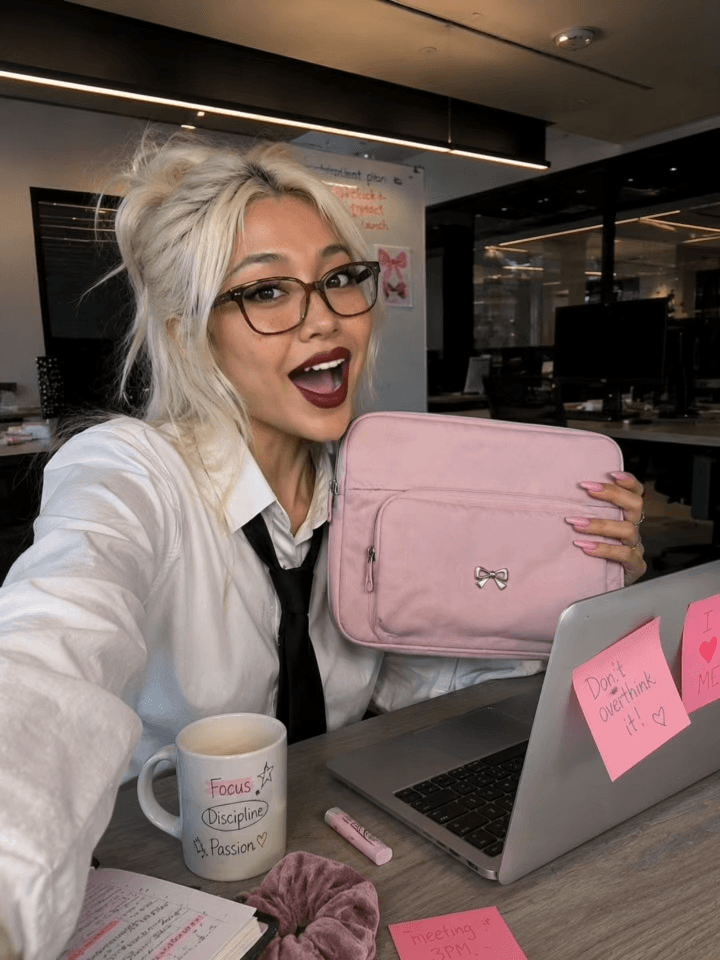
Office
Professional workspace with a clean desk setup
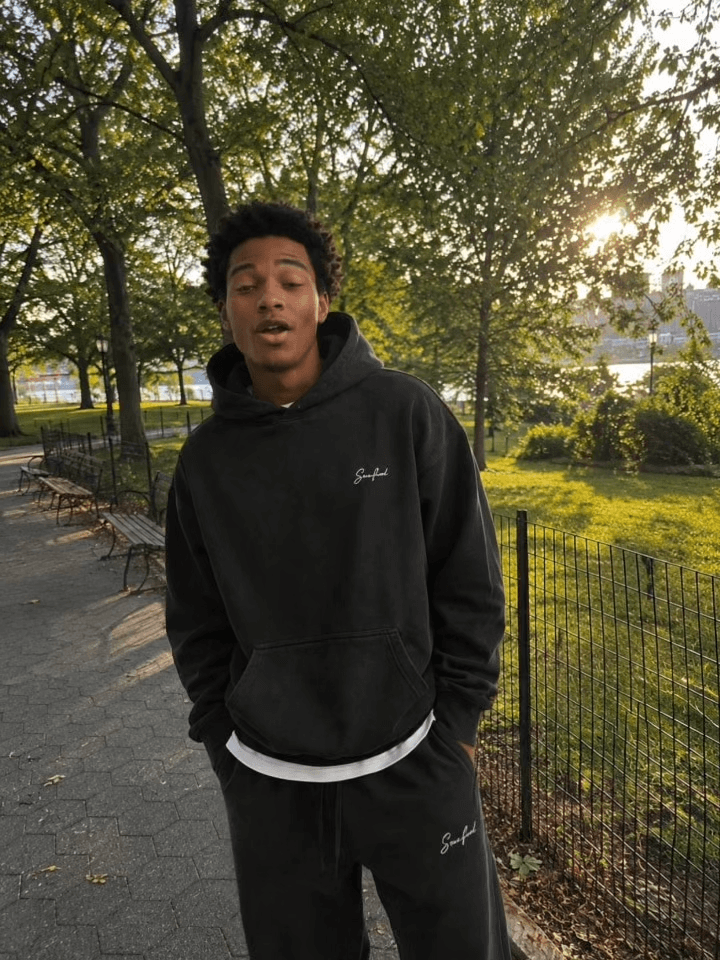
Outdoor
Open-air natural space with greenery and daylight
Rooftop
Urban rooftop with city skyline in the backdrop
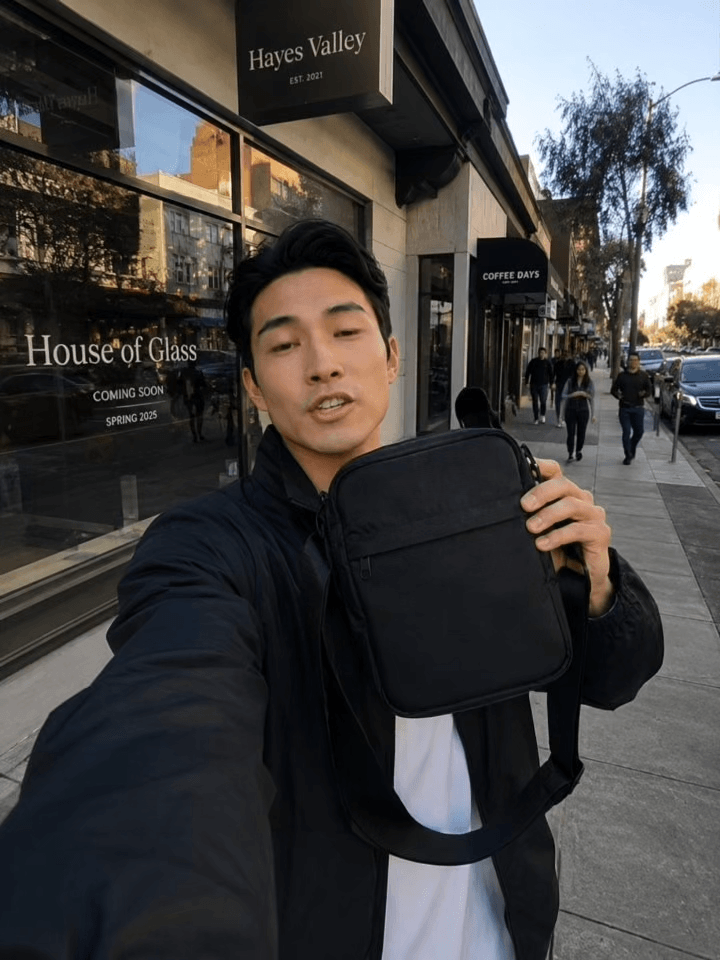
Street
City street scene with an urban atmosphere
Open with a Hook
A hook is a pattern-interrupt opening that earns attention before your concept unfolds. Six are built in, Blizzard, Flip Fail, Dramatic Arrival, Product Catch, Product Drop, Strange Mic, and when you pick one, the video opens on it and bridges naturally into the rest of your brief. Without one, the AI simply opens the way your brief suggests.
The UGC Try-On guide shows every hook with its preview.
Script the Exact Words
Advanced is the only marketing format where you control the dialogue word for word.
Your script, spoken
Whatever you type in the script field becomes the spoken dialogue, lip-synced to the speaker on camera. The AI never adds words your script does not contain.
Paced naturally
Lines are distributed across the shots at a breathable pace of roughly two spoken words per second, so keep a 10-second clip to about twenty words.
No script? No problem
Leave it empty and the AI only adds speech when your brief calls for it. Otherwise the audio is ambience, music, or near-silence, whatever fits.
Or fully silent
Switch the Generate Audio toggle off and the video renders without sound, ready for your own voiceover or music in an editor.
How Reference Images Work
Upload up to 7 images and the AI composes the video from them: a person, a product, a setting, a style reference, or any mix. Each one keeps its real, visible details: shape, color, text, logos, and identity stay faithful in the result.
- Tell the brief what each image is. "The first image is the model, the second is the product" removes all guesswork.
- Use sharp, well-lit photos; the video can only be as faithful as the reference it starts from.
- Fewer, clearer references beat many ambiguous ones, because every image should have a job.
Choosing an Aspect Ratio
The aspect ratio sets the shape of your video. Pick it for the platform it will live on, because cropping a finished video cuts into the action you paid for.
9:16
Reels, TikTok, Stories, and vertical ads, the default
16:9
Product pages, YouTube, and website heroes
1:1
Feed posts and marketplace tiles
Choosing a Duration
Durations run from 3 to 15 seconds, with 10 seconds as the default. Duration is also the only setting that changes the credit cost, so match the length to the job instead of defaulting to the maximum.
One beat
3–5s
A single punch: the hook lands and the product pays it off. The cheapest way to iterate.
The sweet spot
6–10s
Room for a hook, the product moment, and a closing line. The standard length for feed ads.
Storytelling
11–15s
Two or three spoken lines and an extra shot or two, for clips that carry a fuller story.
Longer videos use more credits, and the exact price is always shown on the Run button before you generate. Every video renders at 1080p.
What to Do With Your Results
The Marketing Studio sits at the end of the pipeline. The other studios prepare its inputs and extend its outputs.
- UGC Try-On Video is the streamlined format: a model and a product in, a creator-style ad out.
- Image Generation Studio generates the model or product shot to feed in here.
- Try-On Studio dresses a model in your garments before you turn the shot into an ad.
- Video Studio covers general-purpose AI video across the Kling, Seedance, VEO and other model families.
Frequently Asked Questions
What is the Advanced Marketing Video tool?
It is the full-control marketing format: you upload up to 7 of your own reference images, write a creative brief, and optionally add a hook, a location, and a word-for-word script. The AI turns all of it into one custom marketing video with lip-synced audio.
How is Advanced different from UGC Try-On?
UGC Try-On is the streamlined format: two images in, a creator-style try-on ad out, with the AI writing everything. Advanced hands you the director's chair: your brief is the source of truth, you can reference up to 7 images, and you can script the exact dialogue.
How many reference images can I use?
Up to 7. Each one can be a person, a product, a setting, or a style reference. The AI keeps their visible details faithful and composes the video around them.
Can I write the exact dialogue for the video?
Yes. Whatever you type in the script field becomes the spoken dialogue, lip-synced to the speaker on camera. The AI distributes your lines naturally across the shots and never adds words the script does not contain.
Do I have to pick a hook or a location?
No, both are optional. With a hook, the video opens on that pattern-interrupt before moving into your concept; with a location, the scene is placed there. Without them, the AI simply follows your brief.
Can I turn the audio off?
Yes. The Generate Audio toggle is on by default, but switch it off and the video renders silent, which is useful when you plan to add your own voiceover or music in an editor.
How many credits does an advanced marketing video cost?
The cost depends on the duration you pick, anything from 3 to 15 seconds, with longer videos using more credits. The exact price is always shown on the Run button before you generate, so there are never surprises.
Can the video include on-screen text or captions?
No. The AI never renders on-screen text, captions, or watermarks. The video communicates through the image and the spoken voice. If you need captions, add them in your editing tool afterwards, where you control the font and placement.
Do I own the videos I generate?
Yes. Every video you create is fully yours to use on product pages, social media, ads, and any other commercial purpose.
Are my uploads private?
Yes. All uploads are encrypted and stored privately. Your images and videos are never sold, and we never use them to train our own AI models.
Ready to generate your first marketing video?
Sign up free and turn your product into a scroll-stopping ad in minutes.
Get Started